Still Camera
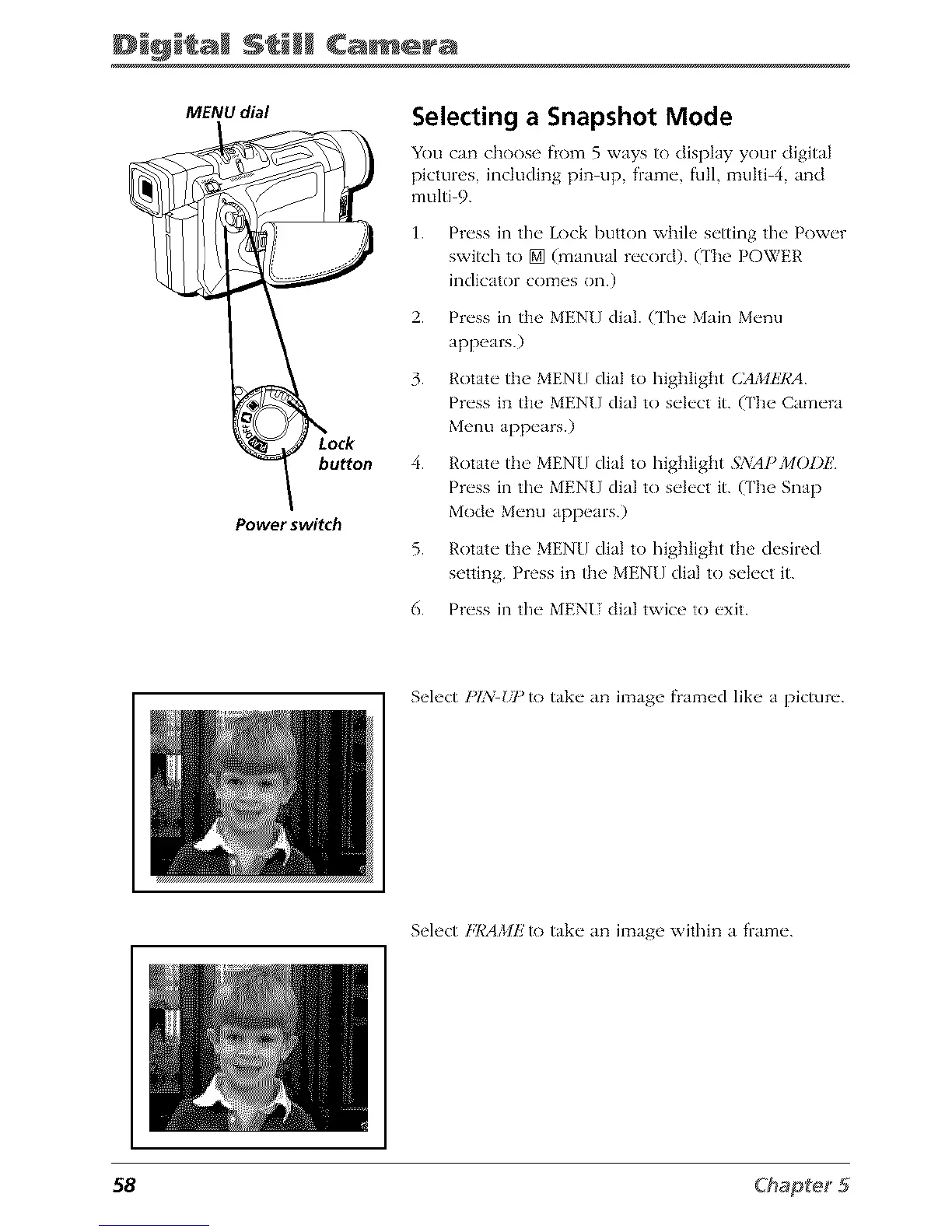
MENU dial
buttorl
Power switch
Selecting a Snapshot Mode
You can choose from 5 ways to display your digital
pictures, including pin up, frame, full, muhi 4, and
multi 9.
1. Press in the Lock button willie setting the Power
switch to [] (manual record). (The POWER
indicator comes on.)
2. Press in the MENU dial. (The Main Menu
appears.)
3. Rotate ti_e MENU dial to higi_Iight CAMkT¢A
Press in ti_e MEN[] dial to select it. (The Camera
Menu appears.)
4. Rotate the MENU dial to highlight 5:_iAPMODE
Press in the MENU dial to select it. (The Snap
Mode Menu appears.)
5. Rotate the MENU dial to highlight the desired
setting. Press in the MEN[] dial to select it.
6. Press in the MENI dial twice to exit.
Select PIX Ulqo take an image framed like a picture.
Select FRAMIJ'to take an image within a frame.
58



 To Next Page