Di@i a Camera
8.
When finished, rotate the MENU dial to highlight
I']XIT Press in the MENU dial again to exit.
Important: When the memory is initialized
or corrupted, even protected images are
deleted. If you don't want to lose important
images, transfer them to a PC and save them,
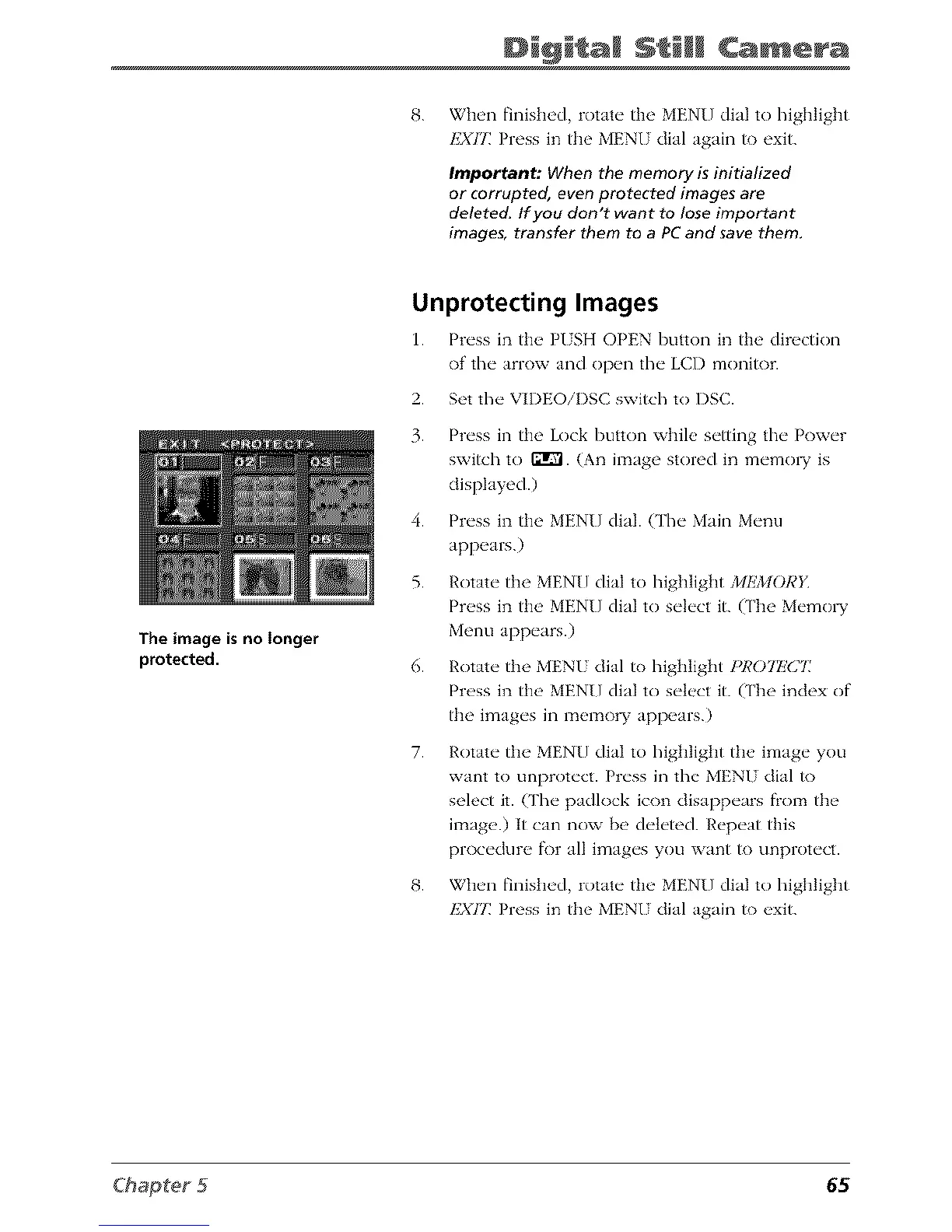
The image is no longer
protected.
Unprotecting Images
1. Pr_'ss in th__ PISH OPEN button in the' direction
of the" _mow Jnd ()p_n the" LCI) monitor.
2. Set the VIDEOiI)SC switch to DSC.
3. Press in the Lock button while setting the Power
switch to ffrVl. (An image stored in memo W is
displayed.)
4. Press in the MENU dial. (The Main Menu
appears.)
5. Rotate the MENU dial to highlight MEMORY
Press in the MENU dial to select it. (The Memo W
Menu appears.)
6. Rotate the MENU dial to highlight P1_077!(277
Press in the MENU dial to select it. (The index of
the images in memory appears.)
7.
Rotate the MENU dial to highlight the image you
want to unprotect. Press in the MENU dial to
select it. Cl'he padlock icon disappears fiom the
image.) It can now be deleted. Repeat this
procedure fi)r all images you want to unprotect.
8. When finished, rotate the MENU dial to highlight
I']XIT Press in the MENU dial again to exit.
65



 To Next Page