Advanced Fea u s
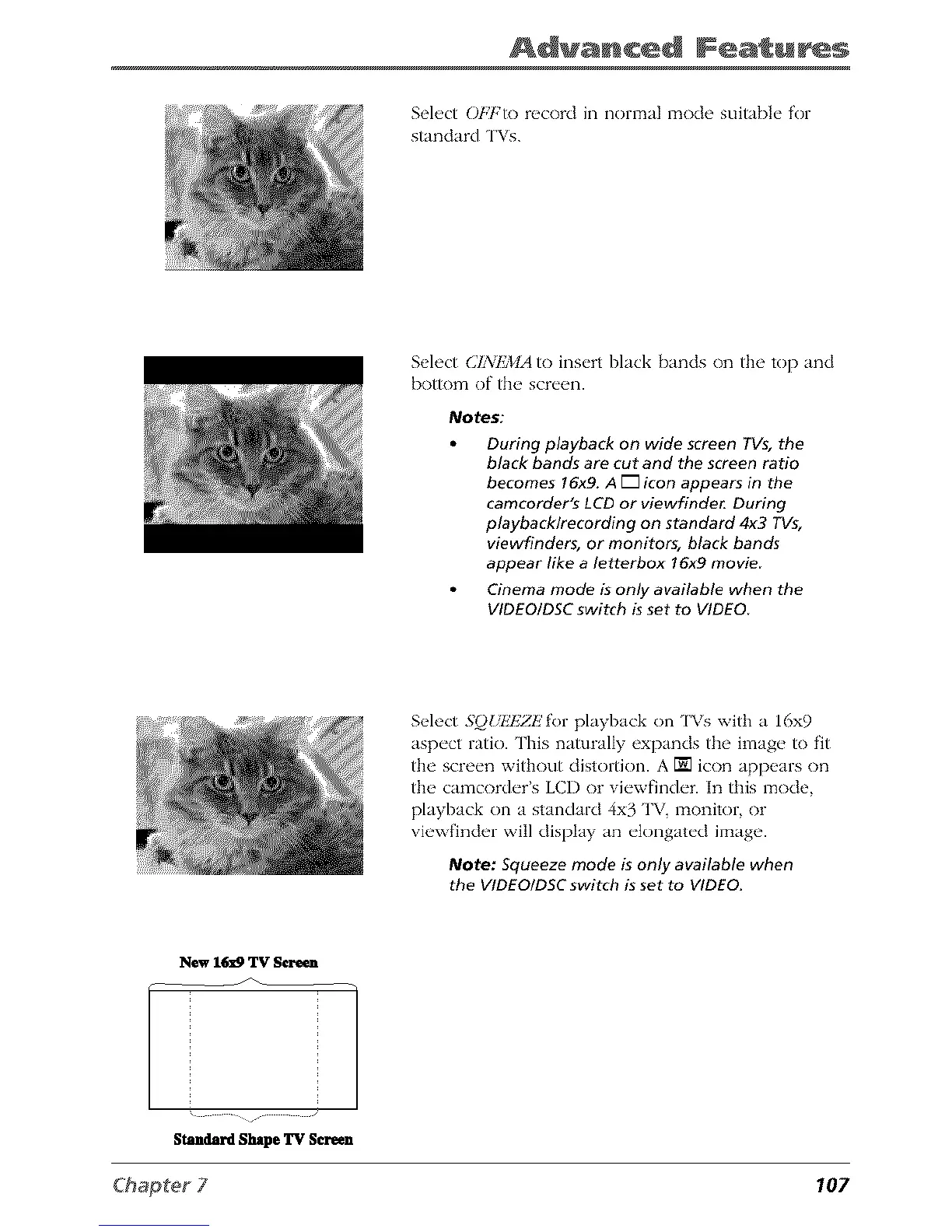
Select OE'b'to record in normal mode suitable for
standard TVs.
Select (]I_/%_¢IA to insert black bands on the top and
bottom of the screen.
Notes:
During playback on wide screen TVs, the
black bands are cut and the screen ratio
becomes 16x9. A [] icon appears in the
camcorder's LCD or viewfinde_ During
playback/recording on standard 4x3 TVs,
viewfinders, or monitors, black bands
appear like a letterbox 16x9 movie
Cinema mode is only available when the
VIDEOtDSC switch is set to VIDEO
Select 5()UkTZZl!for playback on ['Vs with a 16x9
aspect ratio. This naturally expands the image to fit
the screen without clistortion. A [] icon appears on
the camcorder's LCD or viewfinder. In this mode,
playback on a standard 4x3 TV, monitor, or
viewfinder will display an elongated image.
Note: Squeeze mode is only available when
the VIDEOIDSC switch is set to VIDEO.
New 1_9 TV Scre_
Stndard Shape TV S_een
107



 To Next Page