@ her Enf@rm @n
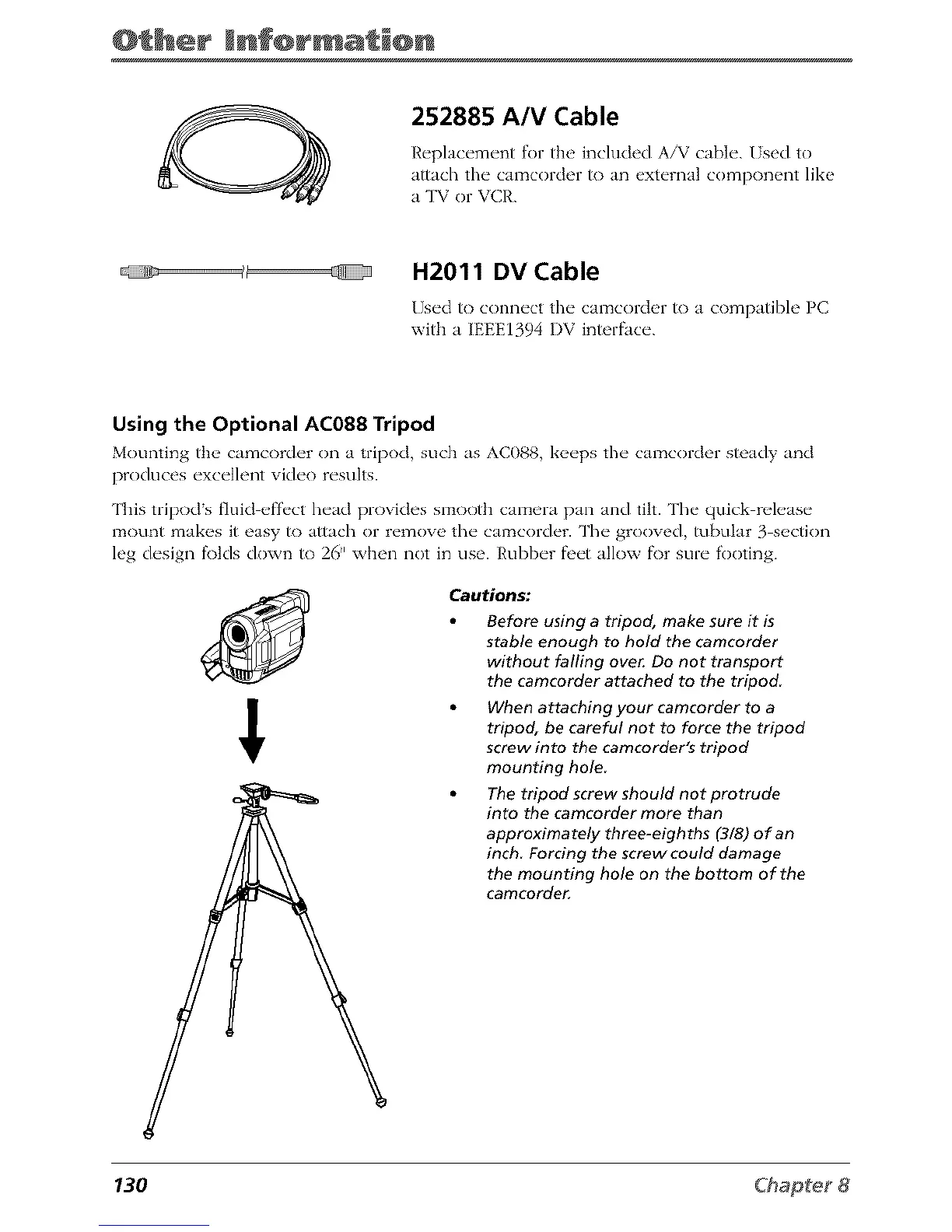
252885 A/V Cable
Replacement for the included A/V cable. /sed to
attach the camcorder/o an external component like
a TV or VCR.
H2011 DV Cable
]sed to connect the camcorder to a compatibh' PC
with a IEEE1394 I)V interface.
Using the Optional AC088 Tripod
Mounting the, camcorder on a tripod, such as AC088, k_,eps the camcorder steady and
produces exce]]ent video results.
This tripods fluid effect head provides snaootb camera pan and tilt. The quick release
l:_ount makes it easy to attach or remove *.he calz_corder. The grooved, tubular 3 section
leg design f\)tds down to 26" when not in use. Rubber fi'et allow f\)r sure footing.
Cautions:
Before using a tripod, make sure it is
stable enough to hold the camcorder
without falling ove_ Do not transport
the camcorder attached to the tripod
When attaching your camcorder to a
tripod, be careful not to force the tripod
screw into the camcorder's tripod
mounting hole
The tripod screw should not protrude
into the camcorder more than
approximately three-eighths (3/8) of an
inch Forcing the screw could damage
the mounting hole on the bottom of the
camcorde_
130



 To Next Page