20
3.2.6 RID EMERGENCY DECLARATION ICON
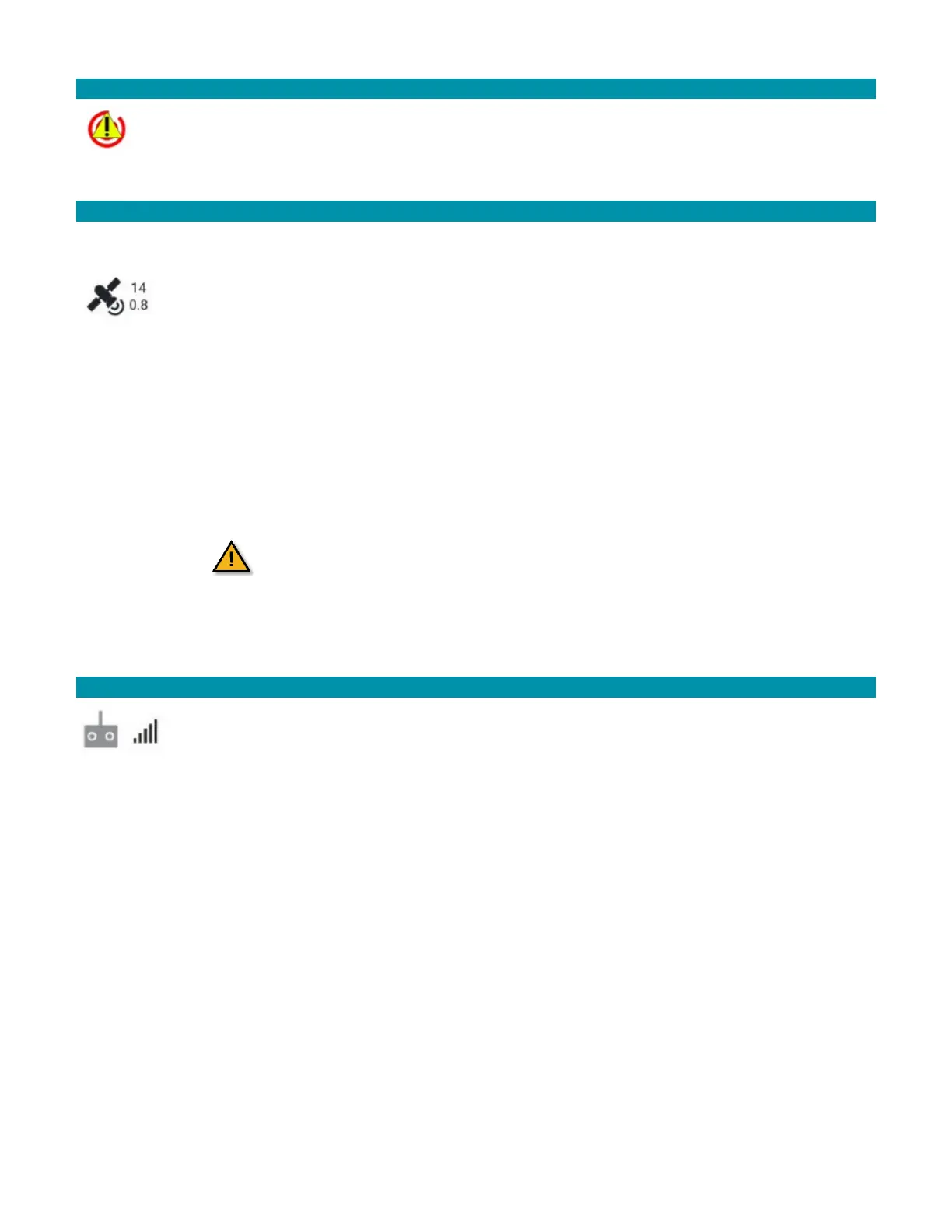
Tap the RID Emergency Status Declaration icon to manually declare an emergency.
If the pilot detects an issue with the AV, they can manually input an emergency
status.
3.2.7 GPS STATUS ICON
Touch the GPS status icon to view details of GPS Count, GPS Lock, HDOP, the Vertical
Dilution of Precision (VDOP), and Course Over Ground (COG).
The top number of the icon represents the number of satellites. The bottom
number represents the current horizontal dilution of precision (HDOP) value. A
good HDOP value is below one. An acceptable HDOP value is below two. Tap the
icon to view the GPS status.
GPS Lock: Indicates the current type or level of GPS lock. Verify the GPS lock is acquired.
This ensures the correct flight mode. A three-tone chime from the AV indicates GPS lock.
COG: Indicates the compass direction the AV is traveling. Note that this may or may not
be the same as the heading, which is the compass direction the AV is pointed. Wind may
cause the COG to differ from the AV’s actual heading.
It is critical for AV to be connected to at least
eight satellites to triangulate the position of the
AV. Ten satellites is recommended.
3.2.8 RADIO CONTROL RECEIVED SIGNAL STRENGTH INDICATOR ICON
The RC RSSI indicates the radio signal strength as is common on consumer cell
phones. Touch this icon to view the RSSI values between the GCS and the AV.
The RSSI value represents the signal strength. Reference the table below for
RSSI values.



 To Next Page