81
Teal QGC Software Version: The current version of the Teal QGC software version that
has been downloaded onto the GCS.GCS updates are automatic.
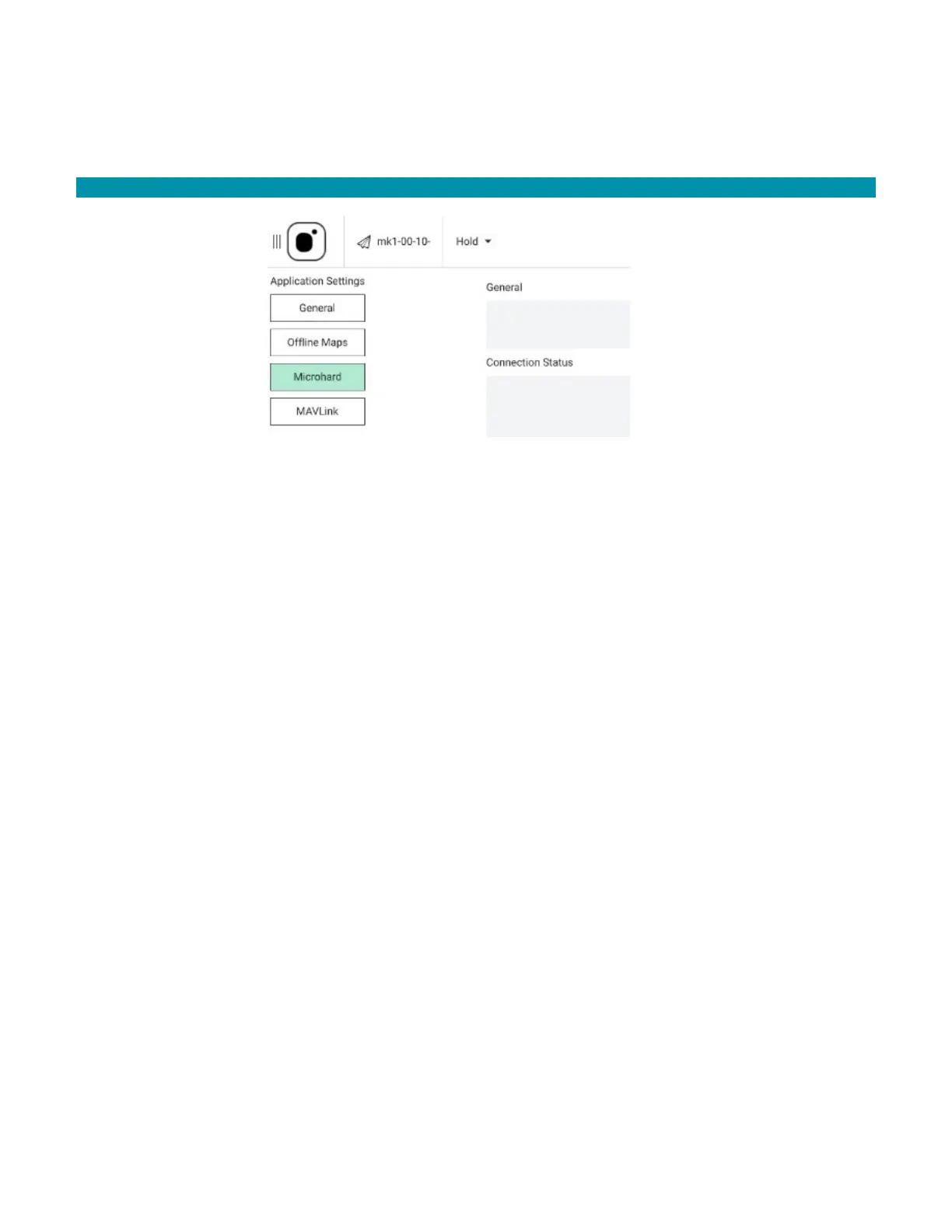
12.2.2 MICROHARD SETTINGS
The Microhard settings screen is where to enable/disable the GCS’s Microhard radio and
to view the signal strength of the GCS and the AV.
General: When the Enable Microhard box is checked, the Connection Status sub-group
appears below it. Otherwise, Connection Status disappears when the Microhard radio is
disabled.
Connection Status: When a AV is connected to the GCS, a connected message is
displayed and the real-time RSSI value for both the AV and the GCS are displayed.
When the Microhard is enabled, but no AV is connected to the GCS, a Not Connected
message is displayed.



 To Next Page