82
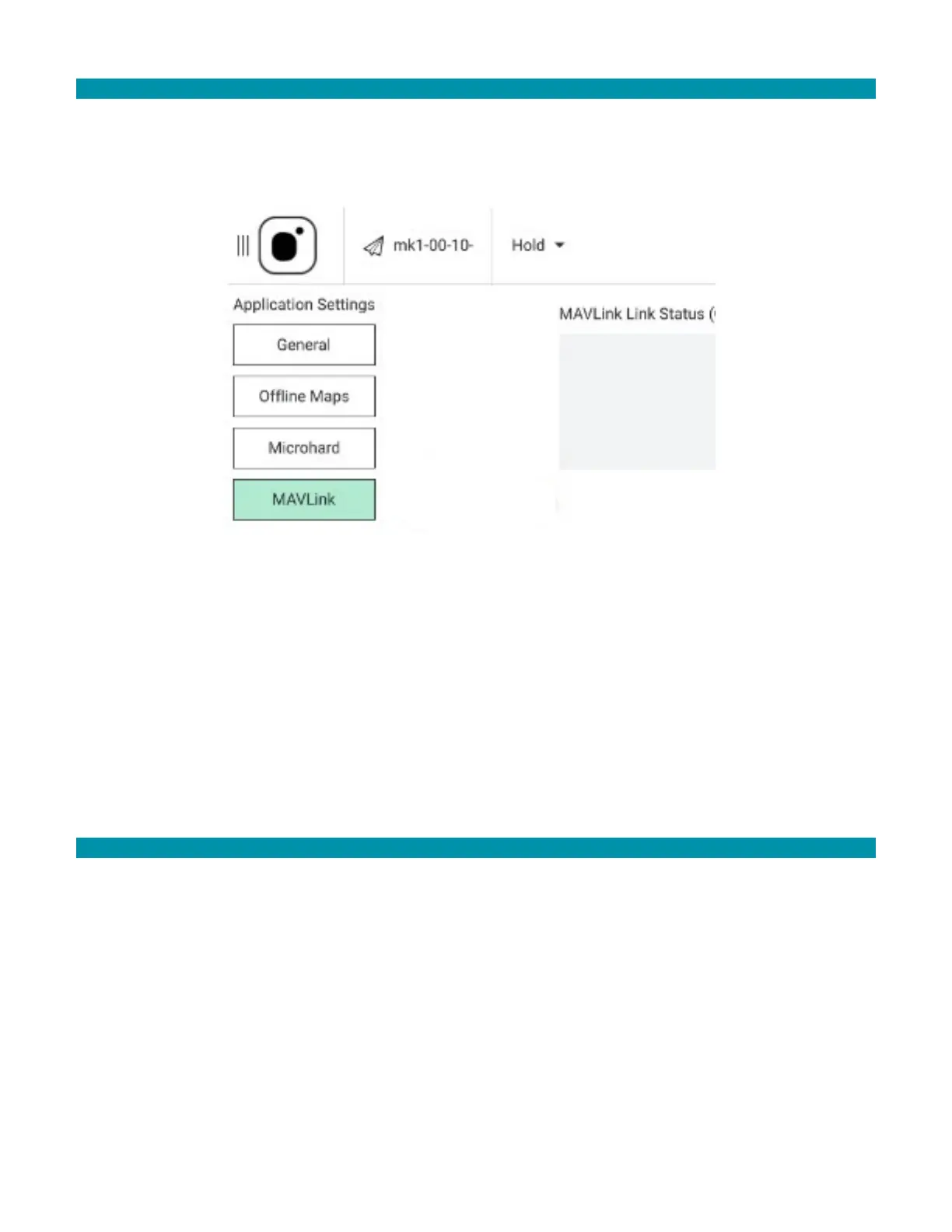
12.2.3 MAVLINK SETTINGS
MAVLink (Micro Air Vehicle Link) is used for communication between a GCS and AVs, and
in the inter-communication of the subsystem of the AV. It can be used to transmit the
orientation of the AV, its GPS location, and speed.
MAVLink Link Status: When the GCS is connected to a AV, this box displays link statistics
consisting of the cumulative number of MAVLink messages sent, the number of messages
received, the number of messages lost, and the loss rate expressed as a percentage.
When the GCS is not connected to a AV, there are no link statistics to display, and
messages indicate that the GCS is not connected.
12.3 TEAL SETTINGS APPLICATION
The Teal Settings App handles toggling between the Wi-Fi and drone networks, toggling
on and off new features such as Stealth Mode, pairing, maintaining a fleet, and KIOSK
mode.
12.3.1 UPDATE FIRMWARE
Update the GCS and AVS firmware through Teal Settings.
To update firmware:
1. Make sure the AV and GCS are connected.
2. Open Teal Settings.
3. Tap Update Firmware.



 To Next Page