52
6.5 GIMBAL CONTROL PANEL
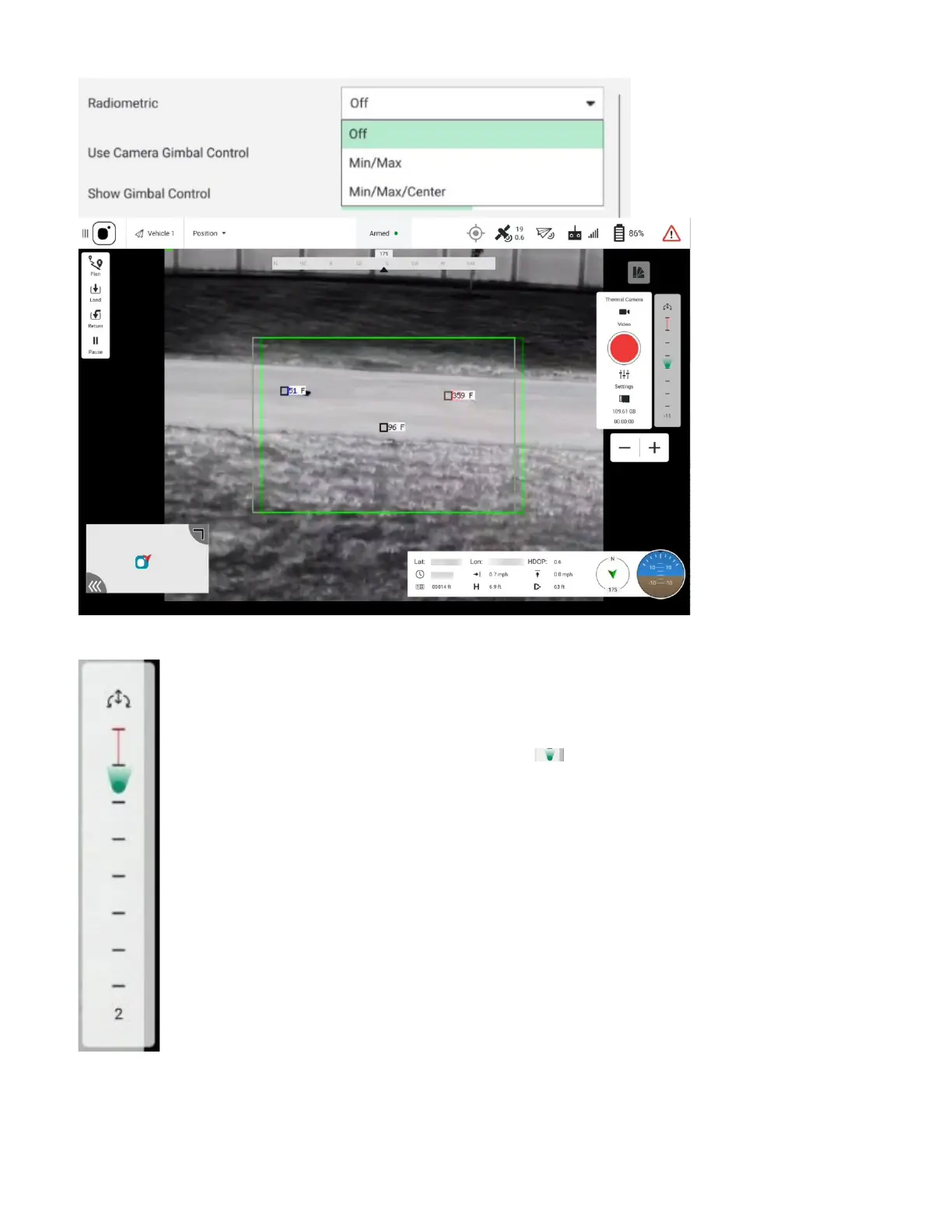
The gimbal pitch scale is simply a vertical bar with 8 tick marks providing a
quick visual indication for the current gimbal pitch position relative to its
minimum and maximum limits.
The gimbal yaw/pitch angle indicator ( ) simultaneously provides a quick
visual indication of the current gimbal pitch.
This indicator also roughly shows the gimbal pitch angle by its relative vertical
position on the gimbal pitch scale. The indicator slides up and down the scale
as the gimbal is pitched up and down, respectively.
Touch and slide the gimbal pitch scale to directly control the gimbal pitch angle.
Alternatively, use the Gimbal Control Circle (see the next section) or the GCS
rear-panel buttons to adjust the gimbal pitch angle.
At the bottom of the panel is a number indicating the gimbal pitch angle in
degrees (represented by the number 2 in the example above). The AV gimbal
pitch angle ranges from about -110° to about +35° up, with 0° being the absolute forward
camera direction.



 To Next Page