49
6.2.2 CONFIRMATION SLIDER
The Confirmation Slider box is fixed at the center-bottom of this and other screens. A
context-sensitive slider appears when a critical action needs to be taken. For safety
reasons, the action is intentionally made difficult to accidentally execute by forcing the
user to slide (swipe right) to confirm the noted action. Press (X) to cancel the potential
action which closes this box.
6.2.3 COMPASS HEADING
This compass heading indicator is centered just below the Main Toolbar but is only visible
when video is selected to occupy the background. This indicator is not shown when the
map view is selected. It indicates the heading of the AV in both the compass direction (N,
S, E, W) and in the number of degrees from true north.
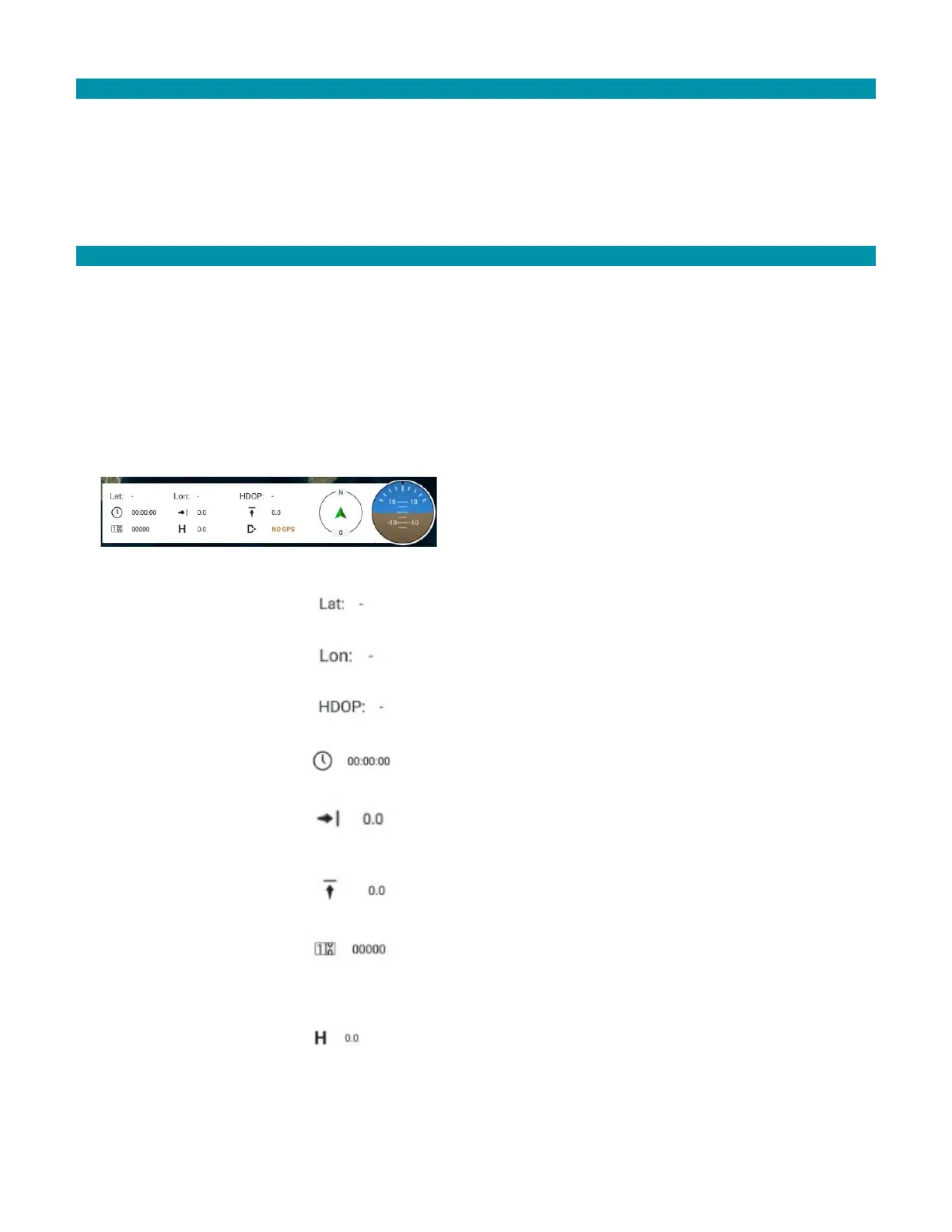
6.3 INSTRUMENT PANEL OVERVIEW
hrs:min:sec
in meters/second
meters/second
meters the AV has
mission
altitude of the AV in
meters above ground
(AGL)



 To Next Page