21
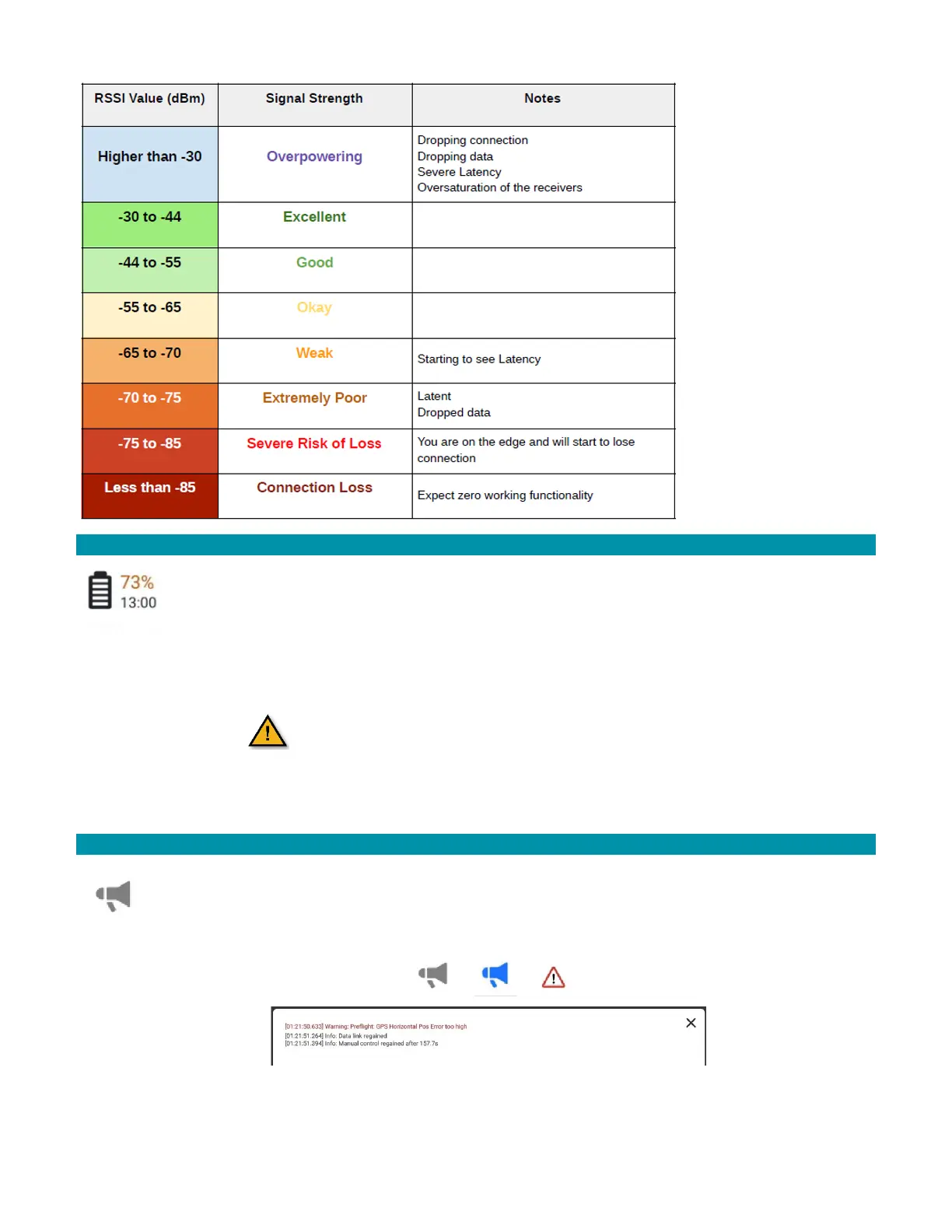
3.2.9 BATTERY ICON
This icon shows the battery charge level of the AV. Check the GCS’s battery
charge level by tapping the battery power button on the back of the GCS.
The bottom number represents the time remaining before RTL activates.
Touch this icon to view the AV battery’s current voltage level and the
accumulated amount of power consumed by the AV (in mAh) in this session.
The AV will not arm when the battery pack
charge level is below the battery warn level.
Check the safety setup under
Icon>Vehicle Setup>Safety
3.2.10 VEHICLE MESSAGES ICONS
The Vehicle Messages icon alerts the pilot to messages from the AV. Messages
include warnings, errors, and other information. The icon is grayed-out until there
is an Vehicle message. When there is a Vehicle message, the icon turns blue. If the
message is critical, it shows a warning icon. Touch the icon to view the messages.
Figure 2 AV Messages icon alerts



 To Next Page