26
File sets are downloaded for planning and running missions in
specific geographic areas. Depending on the mission type and
location, cyber security best practice dictates that these prior
tile sets should be deleted from the GCS.
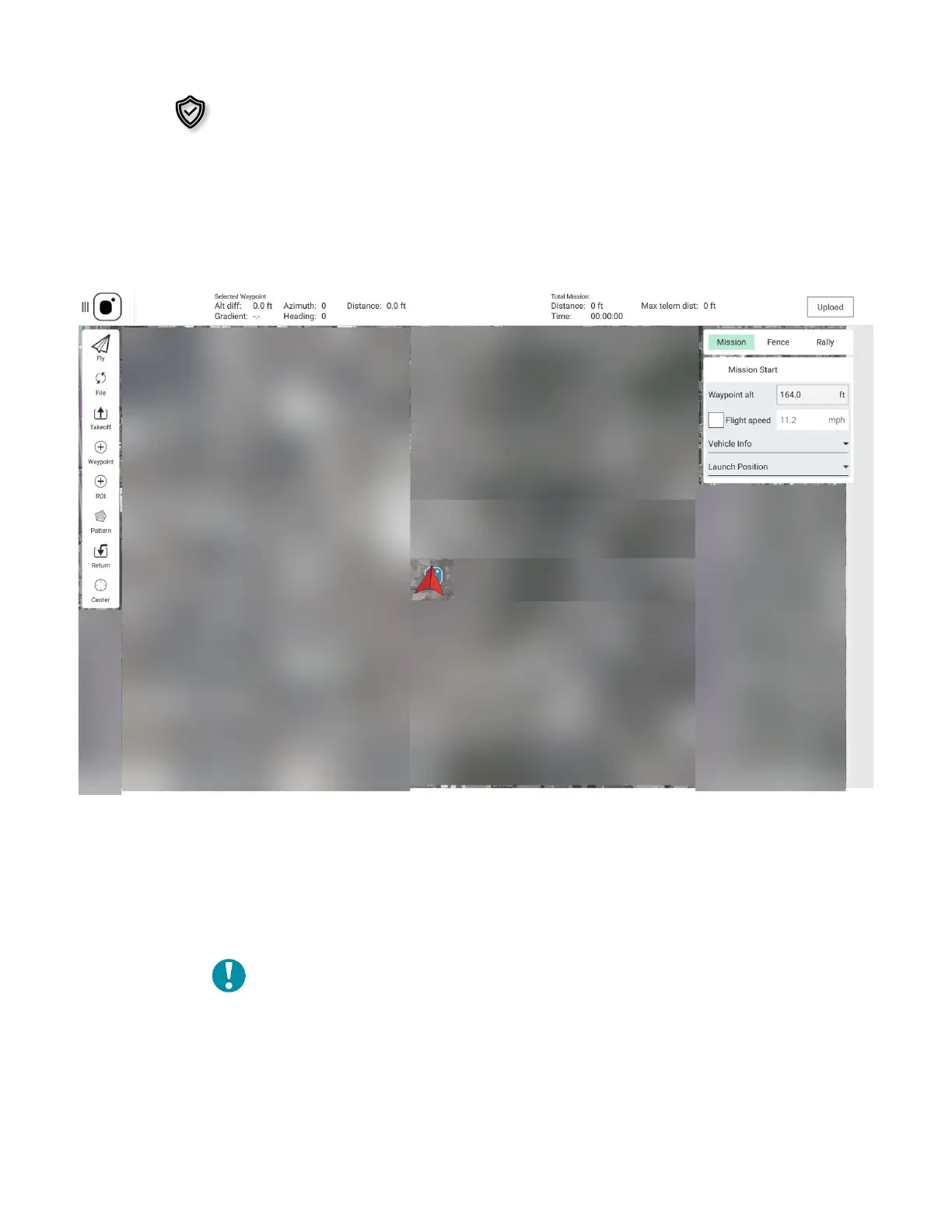
3.6 MISSION PLANNING
This screen is used to plan autonomous missions and save or upload them to the AV during
mission planning or while in the field. Here you can set takeoff and return to launch
commands, waypoints, rally points, geofences, and survey patterns.
Waypoint: Program a location in 3D space to which a AV is programmed to fly during a
mission. When a mission is defined in the Plan Screen, these waypoints can be individually
defined and edited, and parameters associated with them can be viewed.
Rally Point: Pre-program a secondary landing position, or a loiter/holding position. This
can be added as a part of a survey mission or used when manually flying.
Note: When programming a rally point, be aware that
the AV will either fly to the rally point or RTL point,
whichever is closer to the AV
when the RTL is
initiated.
Geofence: Create an optional inclusive or exclusive perimeter that can be embedded
within a mission that will automatically cause the AV to RTL if breached.



 To Next Page