25
3. Click Transfer maps.
4. Tap Continue.
5. Allow access to the storage device.
6. Select the map tile sets for transfer.
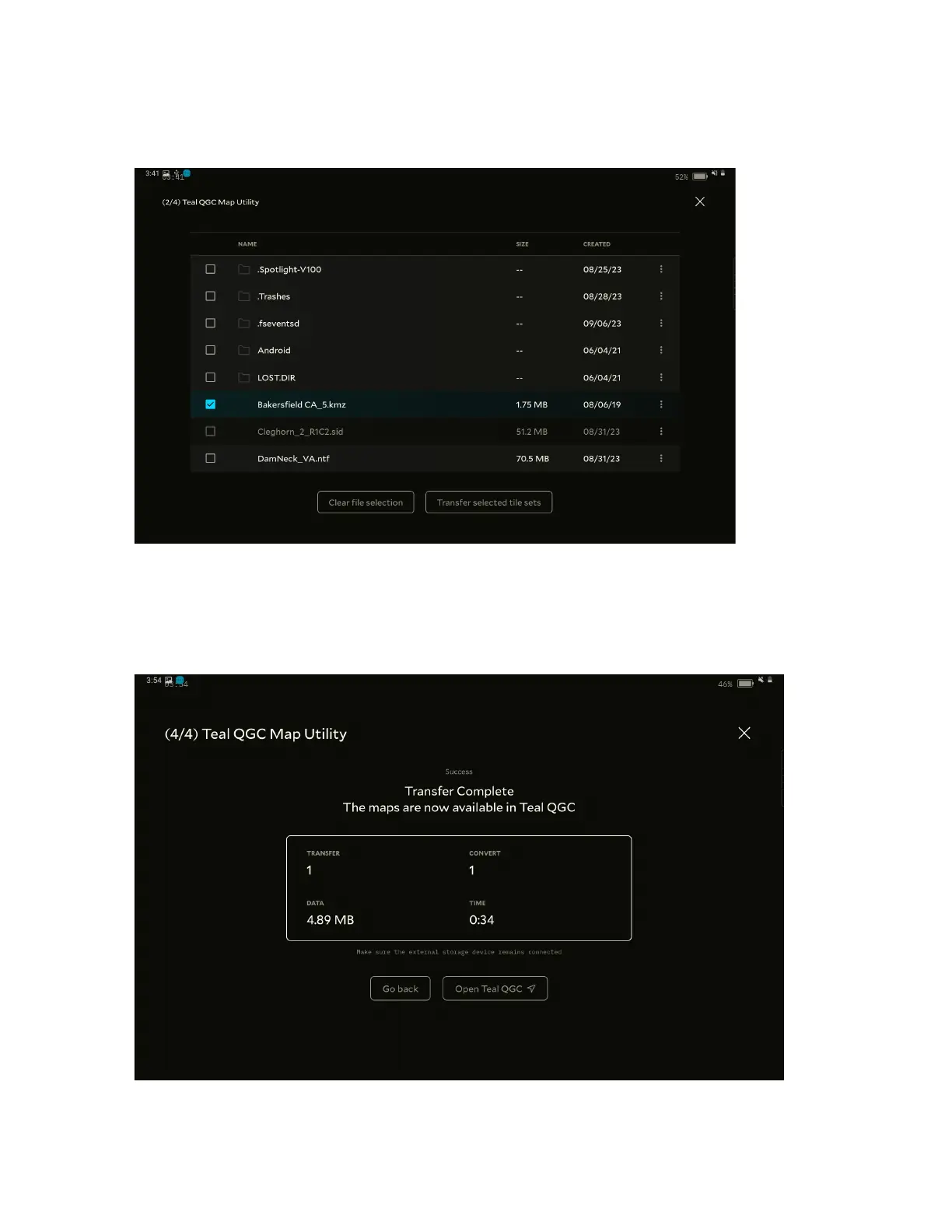
7. From the content list, select the files for transfer.
8. Tap Transfer selected tile sets.
9. Once the tiles transfer, click Go Back or Open TealQGC.



 To Next Page