48
To rotate the AV counterclockwise (CCW) around its vertical axis, move the left joystick
to the left.
YAW RIGHT / CW
To rotate the AV clockwise (CW) around its vertical axis, move the left joystick to the
right.
PITCH FORWARD
To accelerate in a forward direction, move the right joystick up.
PITCH BACK
To accelerate in a reverse direction, move the right joystick down.
ROLL LEFT
To roll the AV toward the left, move the right joystick left.
ROLL RIGHT
To roll the AV toward the right, move the right joystick right.
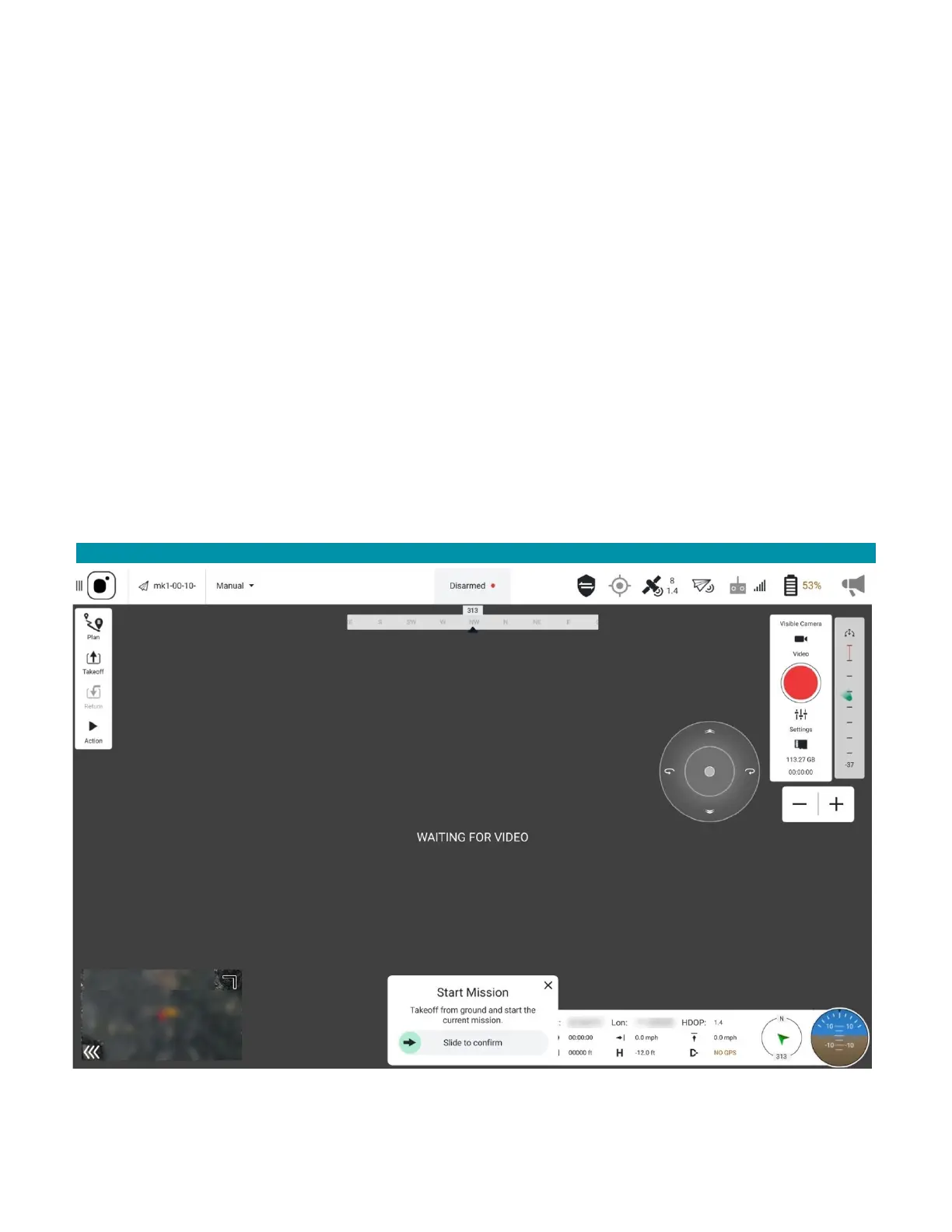
6.2 FLY VIEW DETAILS
6.2.1 SCREEN OVERVIEW



 To Next Page