71
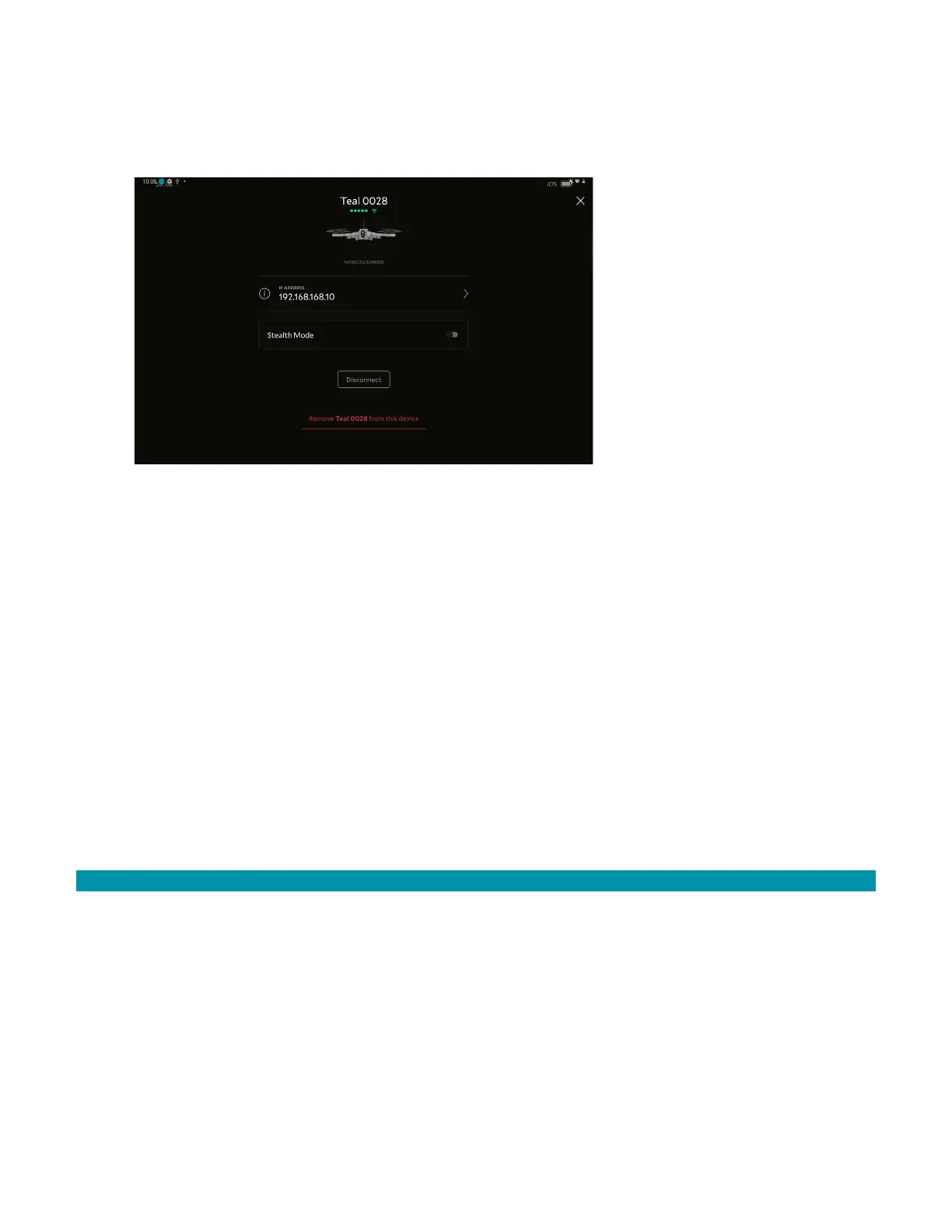
To unpair the system:
1. Open Teal Settings application.
2. Tap the AV to disconnect.
3. Tap Remove AV from this device.
4. A pop up appears asking if you are sure you want to remove the AV. Tap Remove.
10.2 PAIRING THE AV AND GCS
Each AV and GCS are paired over a secure wireless network. All communicated data is
encrypted between the AV and GCS over the AES-256 encrypted wireless network.
Only one wireless modem link is available between the GCS and the AV. Both the AV and
the GCS use the Microhard Pico series pDDLxxxx-AES256 modem. The Microhard Pico
modems support Advanced Encryption Standard with block lengths of 256 bits.
Radio encryption is managed through the GCS radio’s user interface (UI). Access to the
radio’s configuration interface is secured through the QGroundControl application with a
valid account name and password. Once logged into the GCS, the user selects a unique
network ID to allow linking to and pairing with the AV. Once joined to the same network,
the wireless network forms a wireless encrypted closed network between the air and
ground systems.
10.2.1 PAIRING ADDITIONAL VEHICLES
Users can have multiple AVs paired with a single GCS. Only one AV can be connected for
operation at a time.
To pair another AV:
1. Open the Teal Settings application.
2. Tap Pair+.
3. On the AV to pair, hold the pairing button for five seconds.
4. In the app, tap Continue.
5. On the GCS, select the AV to pair.
6. Tap Pair with this device.



 To Next Page