72
7. Follow the in app pairing instructions.
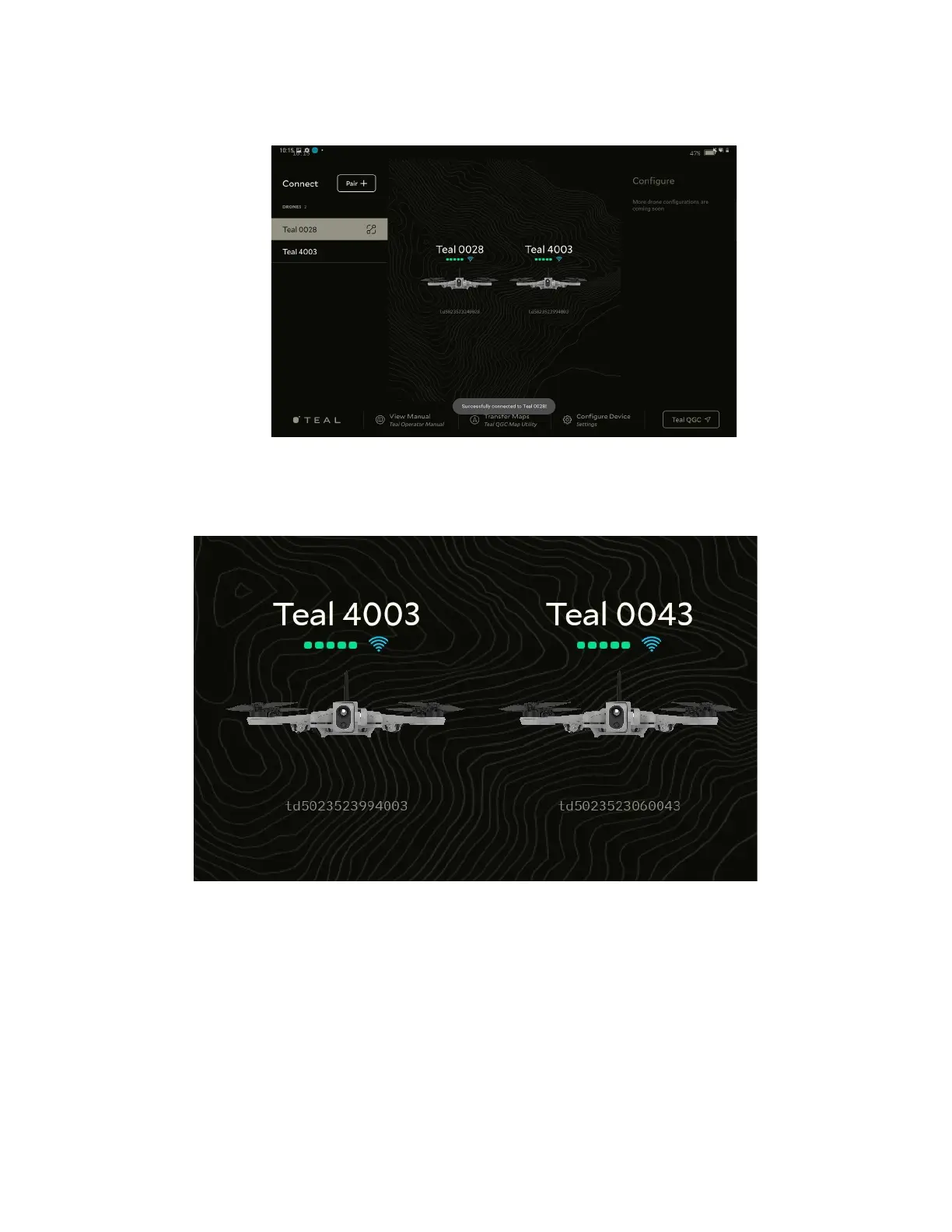
8. Once paired, there is a Successfully connected to Vehicle message.
The paired AVs are listed on the left side of the screen. The connected AV is highlighted
grey and has a connected icon next to it.
The paired Avs also appear in the center of the screen. Above each AV is the assigned Teal
AV number. The Teal AV number uses the last four digits of the AV’s serial number. Below
each AV is the AV’s complete serial number. Use these numbers to identify which AV is
connected.
Find the AV’s serial number, remove the battery from the AV. The AV serial number is
located on the sticker in the battery chamber.



 To Next Page