32
However, the tradeoff to having the media stored locally on the GCS during flight is a
reduction of bandwidth which could degrade the quality of the media seen on the GCS fly
view during the mission.
If possible, we recommend storing media on the SD card, but realize some security
protocols will not allow this.
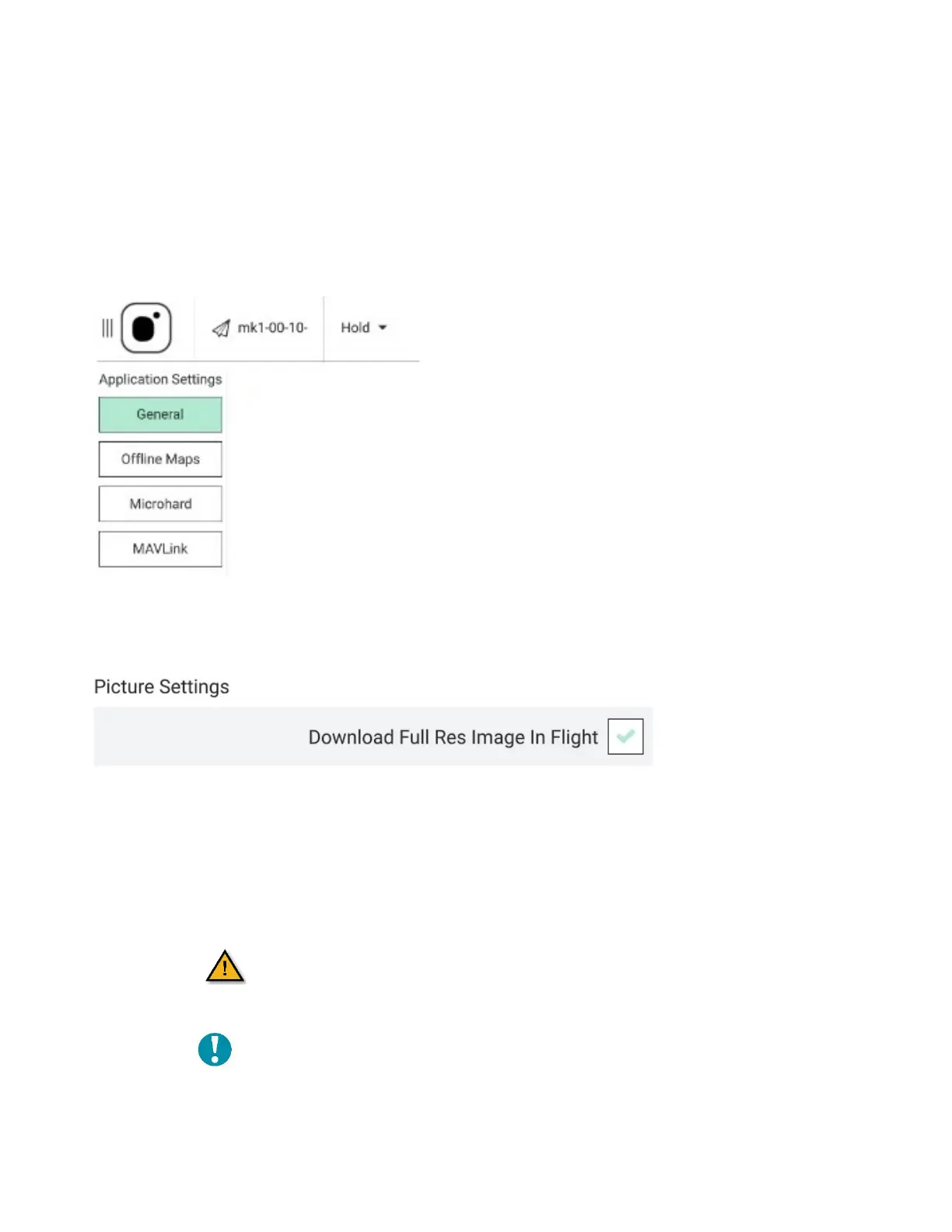
1. Touch the Main menu icon.
2. Select Settings at the bottom of the screen.
3. Select General.
4. Scroll down to Picture Settings.
5. Check the Download Full Res Image In Flight box.
4 FLIGHT MODES
The AV has five different flight modes. The default flight modes are Position Mode or
Manual Mode. The GCS audibly announces the current flight mode and shows the current
flight mode at the top of the screen.
Ensure that you are in the desired flight mode
before arming the AV.
Note: A three toned chime indicates the GPS lock is
active. The top of the GCS screen on the satellite
icon shows the GPS lock is active.



 To Next Page