27
Note: Additional geofences can be separately
configured as safety parameters and are created in
the
under
Once a mission is planned and uploaded to the AV, use the FLY VIEW and Mission Flight
Mode to fly the mission.
Follow along with our instructional video,
Planning a Time-Based Mission: Teal 2 Drone
on our website at: https://tealdrones.com/support/training-videos/
3.6.1 PROGRAMMING A SURVEY MISSION
1. Touch the Main menu icon in the Fly View toolbar.
2. Select Plan.
3. A Mission Plan window will appear.
4. Set the map to the desired mission area.
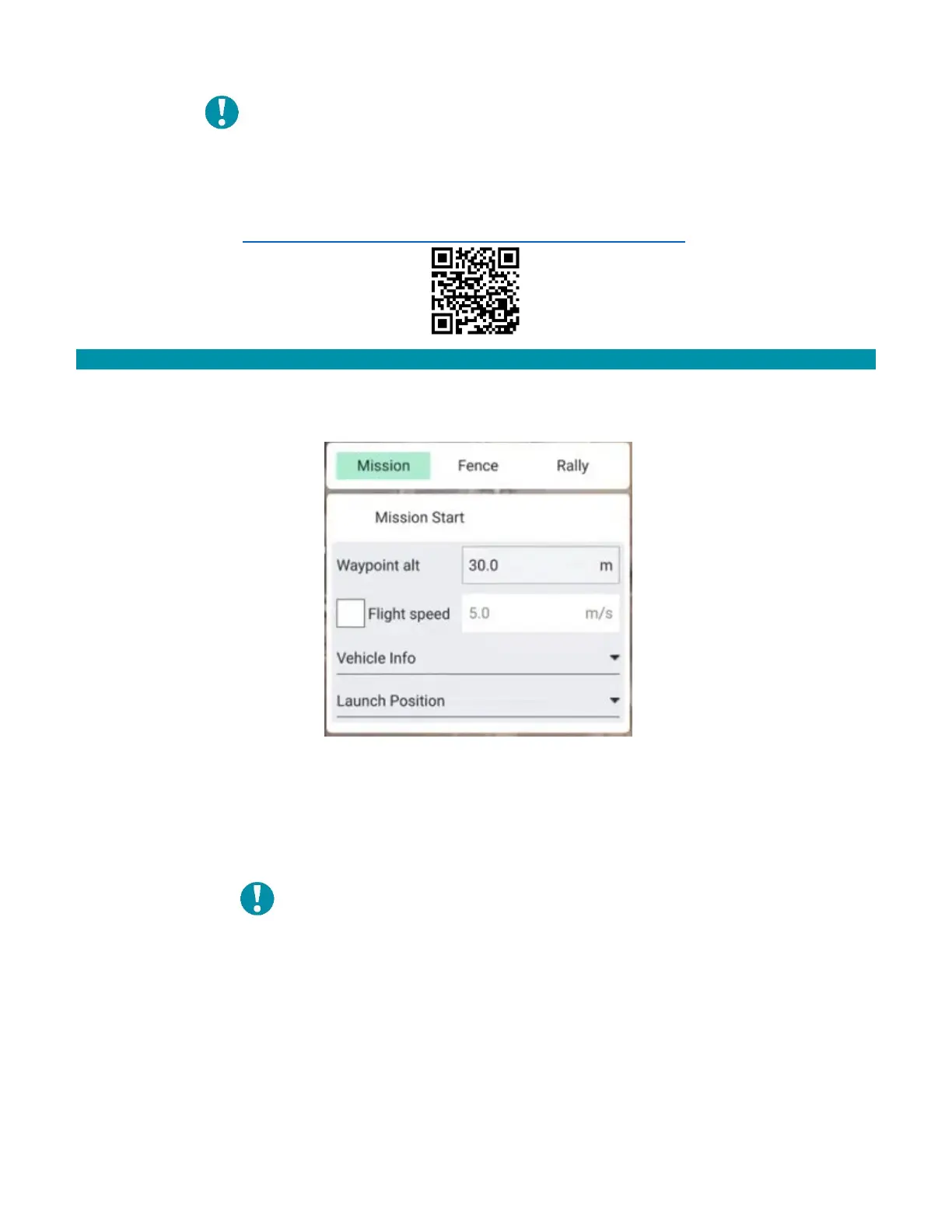
5. Configure the altitude and flight speed. 30 m AGL and 3 m/s is a good baseline.
6. Select Takeoff in the menu to the left.
7. Add the take off point by touching the estimated location on the map.
Note: Once GPS is acquired in the field, the takeoff
point will shift to where the AV is physically
located. This can be mitigated by either having a
set takeoff point, or by adjusting the takeoff point
before flight.
8. Select Waypoint.
9. Add a waypoint by touching the desired location on the map.
10. Configure the gimbal position.



 To Next Page