47
5 ARMING & TAKEOFF
5.1 ARMING THE DRONE
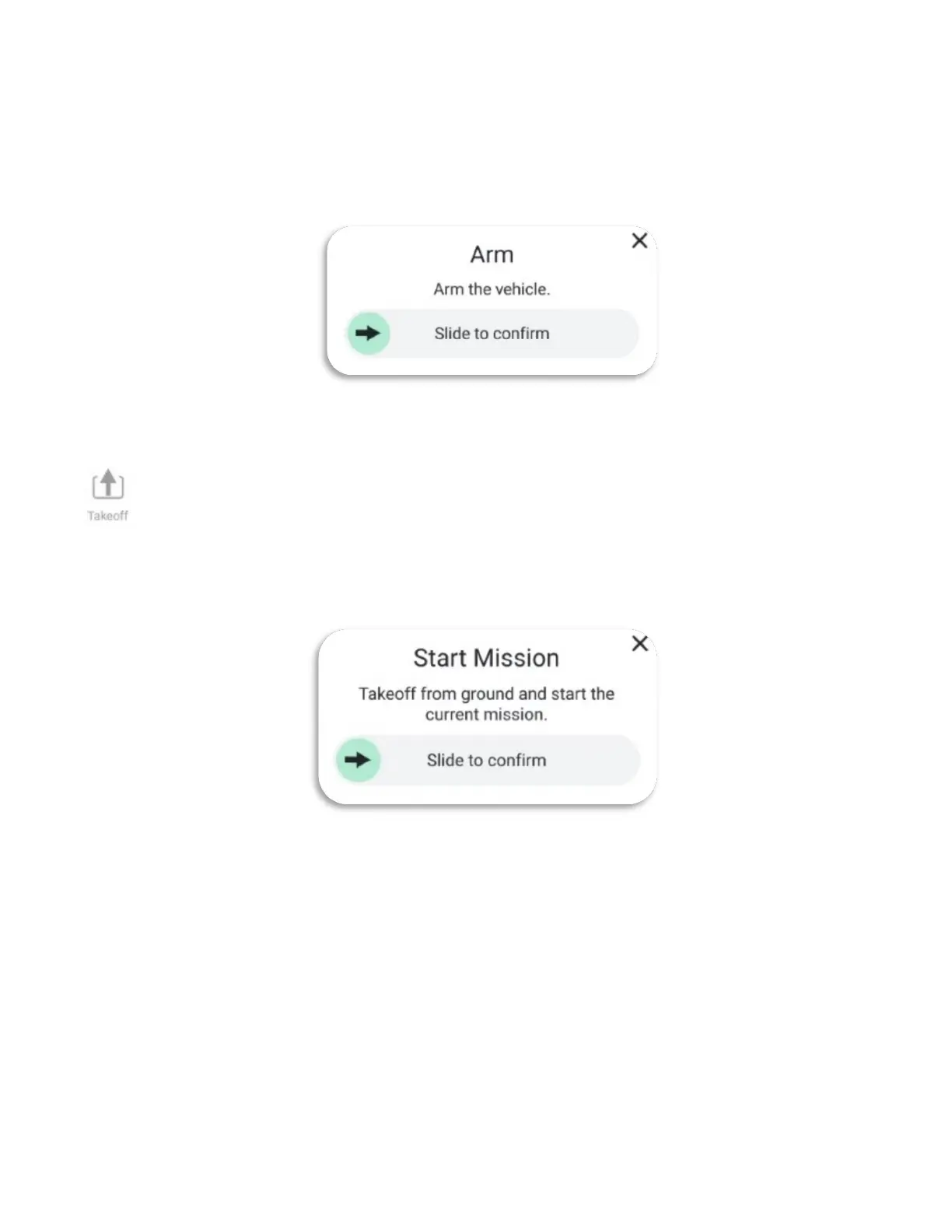
There are two ways to arm the AV: either press the left top button on the GCS or slide the
arrow in the slide confirmation window.
5.2 TAKEOFF
There are multiple ways to initiate takeoff:
Touch the Takeoff icon in the Fly Tools box or slide the arrow in the confirmation
window.
In Mission Mode, slide the arrow to the right to takeoff and start the mission.
6 IN-FLIGHT
6.1 DEFAULT CONTROLS
Refer to the Tac Controls Overview screen for joystick/button locations.
THROTTLE UP / ASCEND
To ascend, move the left joystick straight up. The farther the joystick is moved from its
centered position, the faster the AV ascends in its fixed vertical axis.
THROTTLE DOWN / DESCEND
To descend, move the left joystick straight down.
YAW LEFT / CCW



 To Next Page