85
12.3.2 EXIT TEAL SETTINGS
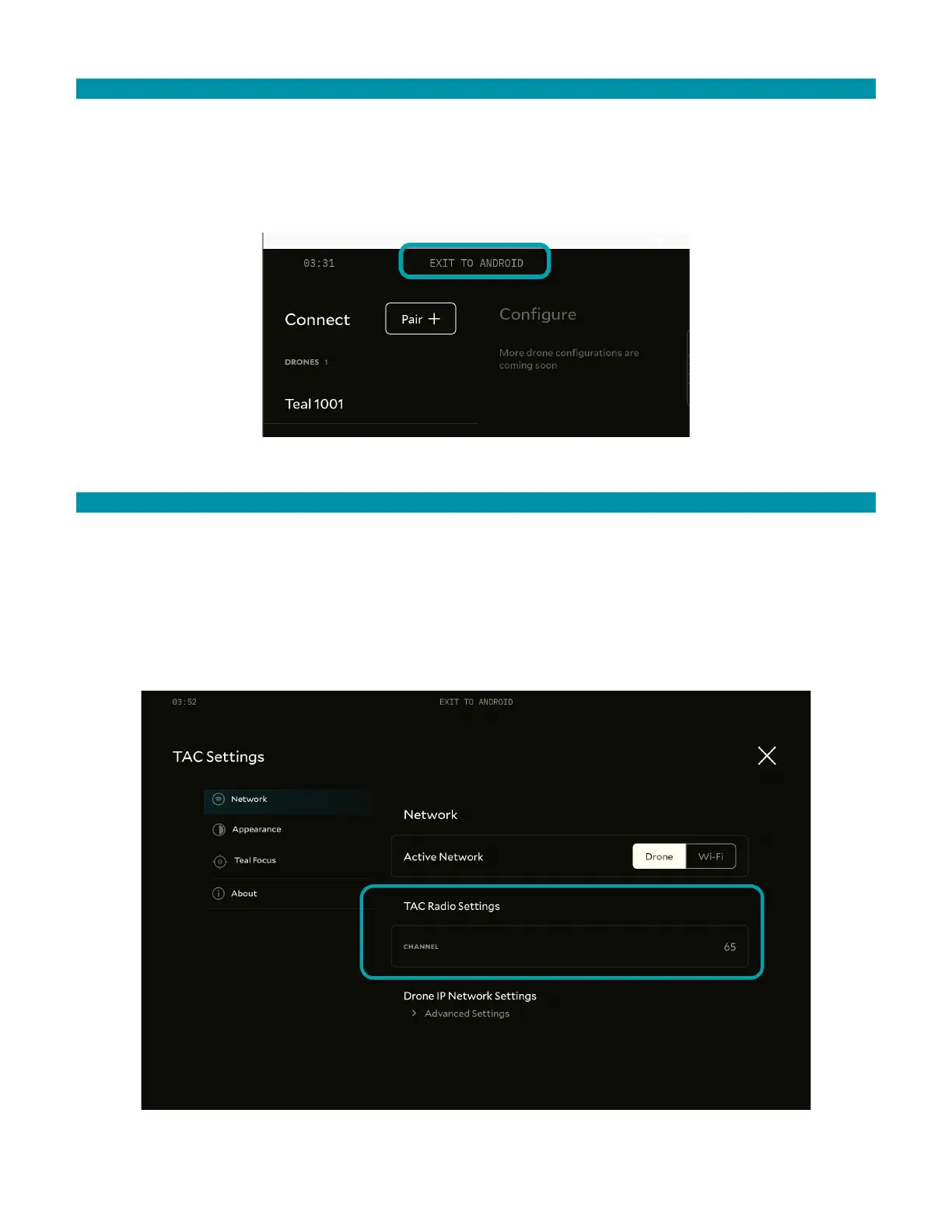
Exiting Teal Settings closes the program completely. It does not run in the background.
To exit Teal Settings:
1. Open Teal Settings.
2. Tap Exit to Android.
12.3.3 TAC RADIO SETTINGS
Teal Settings shows the radio channel the system is using.
To view the radio channel:
1. Open Teal Settings.
2. Tap Configure Device.
3. Under Network, view the radio channel. See image below.



 To Next Page