89
CHARGING STATUS LIGHTS
When the battery begins to charge, the LED lights display a charging sequence. The LEDs
light according to how much charge is on the battery. If the battery has 10% charge left,
the first LED lights and blinks. As the battery continues to charge, the LED lights progress
and blink until the battery reaches full charge. At full charge, all LEDs light.
PREHEAT STATUS LIGHTS
Do not charge cold batteries. Allow cold batteries to come to room temperature before
charging.
Cold batteries are programmed to enter a pre-heat cycle once placed on the charger. The
pre-heat cycle could damage the cold battery. As a result, a thermal runaway failure could
occur after the battery stops preheating and begins to charge.
If the pre-heat LED sequence starts after placing the battery on
the charger, immediately remove the battery from the charger.
Allow the battery to sit for at least 30 minutes. Once the battery
reaches room temperature, charge the battery.
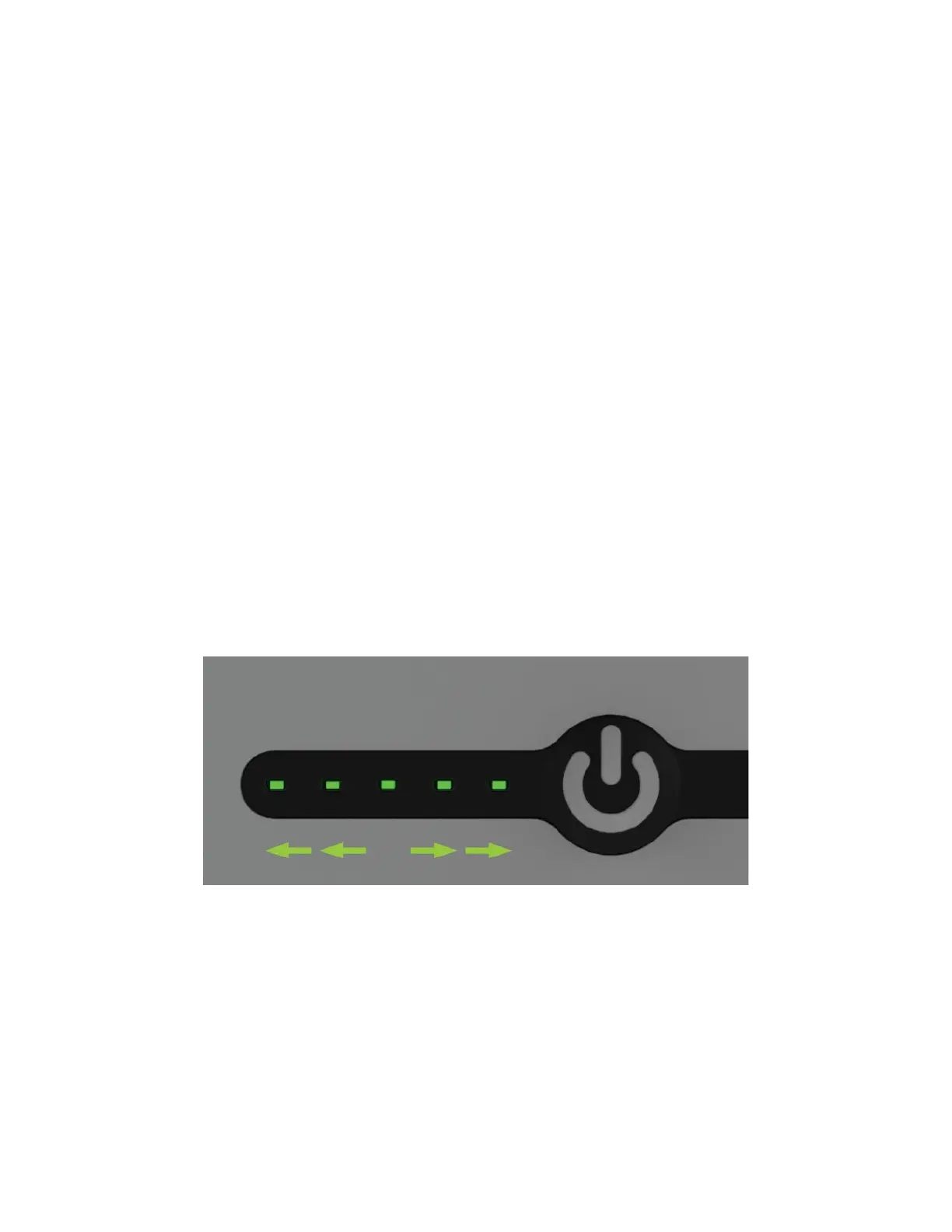
During the pre-heat battery sequence:
1. The center LED light glows and stays on, then…
2. The second and fourth LED lights glow and stay on, then…
3. The first and fifth LED lights glow, then…
4. The sequence begins again.
Figure 4 Preheat LED sequence
Once the battery is warm enough to charge, the preheat sequence ends. The LED lights
show the normal charging sequence.
HOT BATTERY STATUS
Do not charge batteries exposed to hot temperatures. If batteries are warm to the touch,
allow them to cool to room temperature before charging.
Hot batteries will not charge until they cool down. If a hot battery is placed on the charger,
the battery displays the hot battery sequence.



 To Next Page