On Hook Dial
91
1
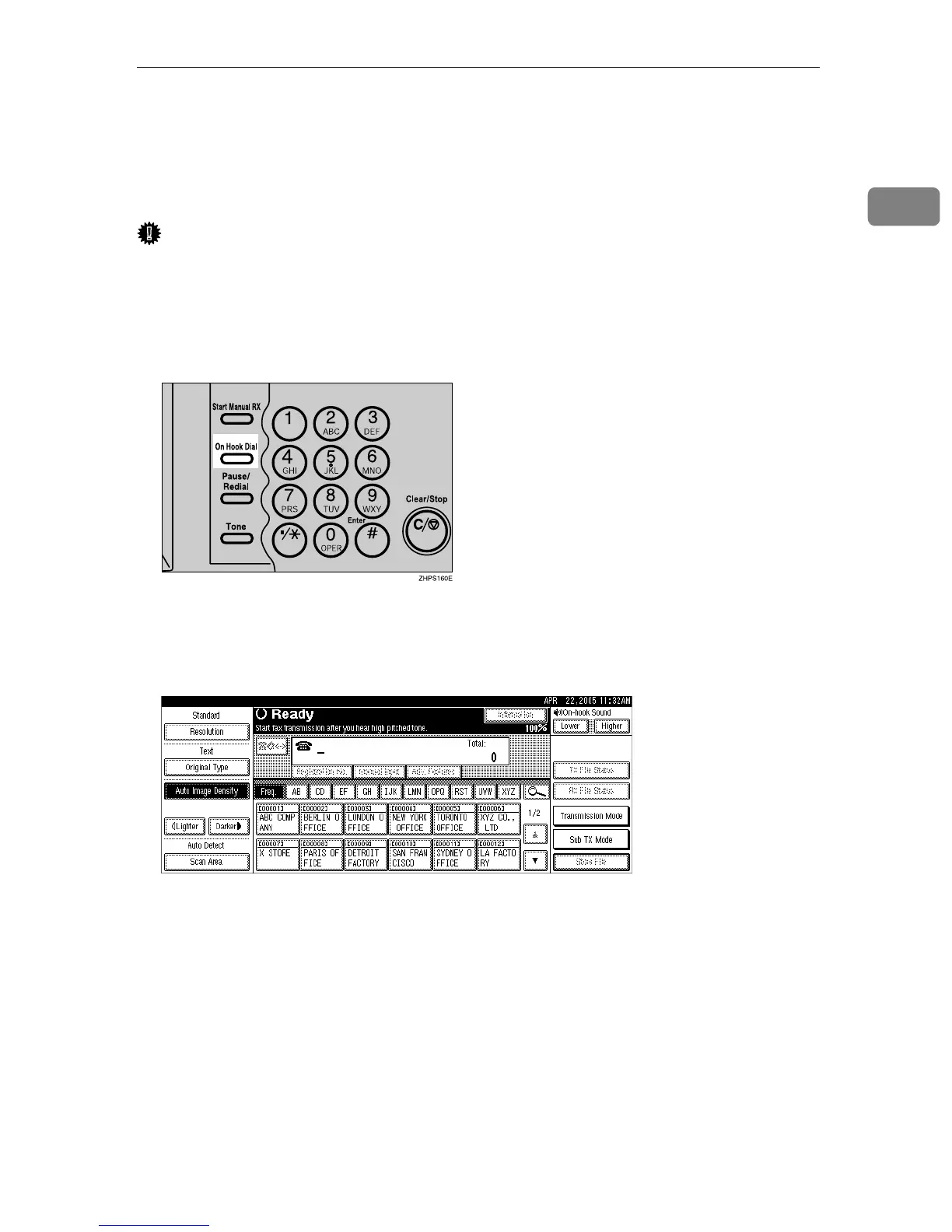
On Hook Dial
The On Hook Dial function allows you to dial while listening to the tone from
the internal speaker. You can send a fax checking the connection.
Important
❒ This function is not available for the optional extra G3 interface unit, Internet
Fax and IP-Fax.
A Place the original, and then select the scan settings you require.
B Press the {On Hook Dial} key.
You will hear a low tone from the internal speaker.
If you want to cancel this operation, press the {On Hook Dial} key again.
C Dial.
The machine immediately dials the destination.
If you make a mistake, press the {On Hook Dial} or {Clear Modes} key, and then
return to step
B
.
To select a destination from the Address Book, see “Using the Address Book
to Specify Destinations”.











 To Next Page