Using PostScript 3
88
3
Duplex Printing
Use this function to select duplex printing.
Important
❒ To use this function, the optional duplex unit must be installed on the ma-
chine.
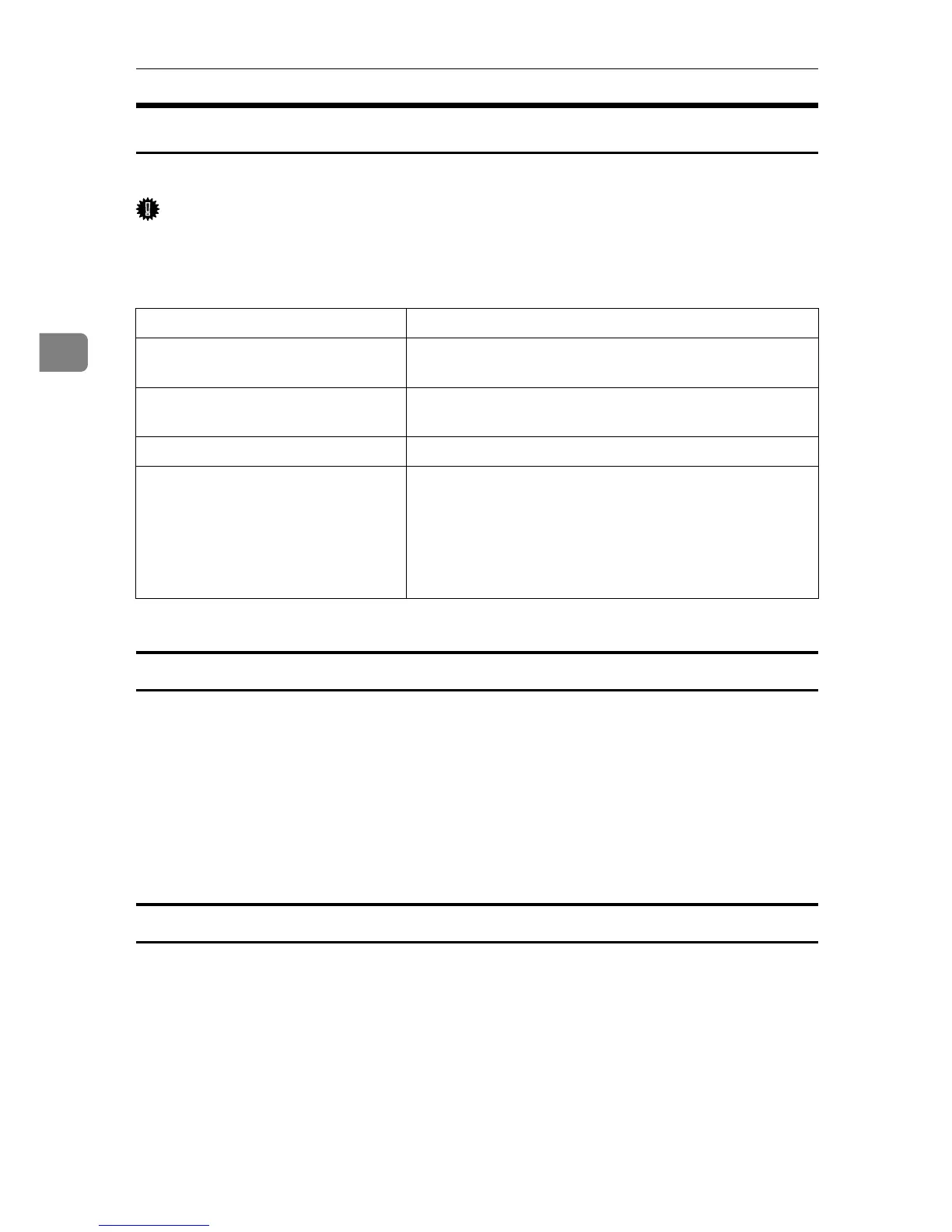
The following table shows the tabs or menus where you can select this function.
The following items may vary depending on the operating system you are using.
Windows 95 / 98 / Me
❖ Off
Disables Duplex Printing.
❖ Open to Left
Prints output so that you can open it to the left.
❖ Open to Top
Prints output so that you can open it to the top.
Windows 2000 / XP, Windows Server 2003, Mac OS
❖ None
Disables Duplex Printing.
❖ Flip on Short Edge
Prints output so that you can open it to the short edge when bound along the
short edge.
❖ Flip on Long Edge
Prints output so that you can open it to the long edge when bound along the
long edge.
Windows 95 / 98 / Me [Duplex:] on the [Setup] tab.
Windows 2000 / XP, Windows Serv-
er 2003
[Print on Both Sides] on the [Layout] tab in the Printing
Preferences dialog box.
Windows NT 4.0 [Print on Both Sides (Duplex Printing)] on the [Page Setup] tab
in the Document Defaults dialog box.
Mac OS [Print on Both Sides] on [Layout] in the print dialog box.
Mac OS X • 10.3 or higher
The [Two Sided] check box on [Layout] in the print dia-
log box.
• Other Mac OS X
The [Print on both Sides] check box on [Duplex] in the
print dialog box.











 To Next Page