Changing/Confirming Communication Information
228
4
Important
❒ If the main power switch is turned off for about an hour, all documents received
into Personal Boxes are deleted. When this happens, the Power Failure Report
is printed so you can confirm which documents have been deleted. For details,
see “Troubleshooting When Using the Facsimile Function”, Troubleshooting.
Reference
p.224 “Confidential File Report”
p.228 “Printing Personal Box Documents”
“Facsimile Features”, General Settings Guide
“Troubleshooting When Using the Facsimile Function”, Troubleshooting
Printing Personal Box Documents
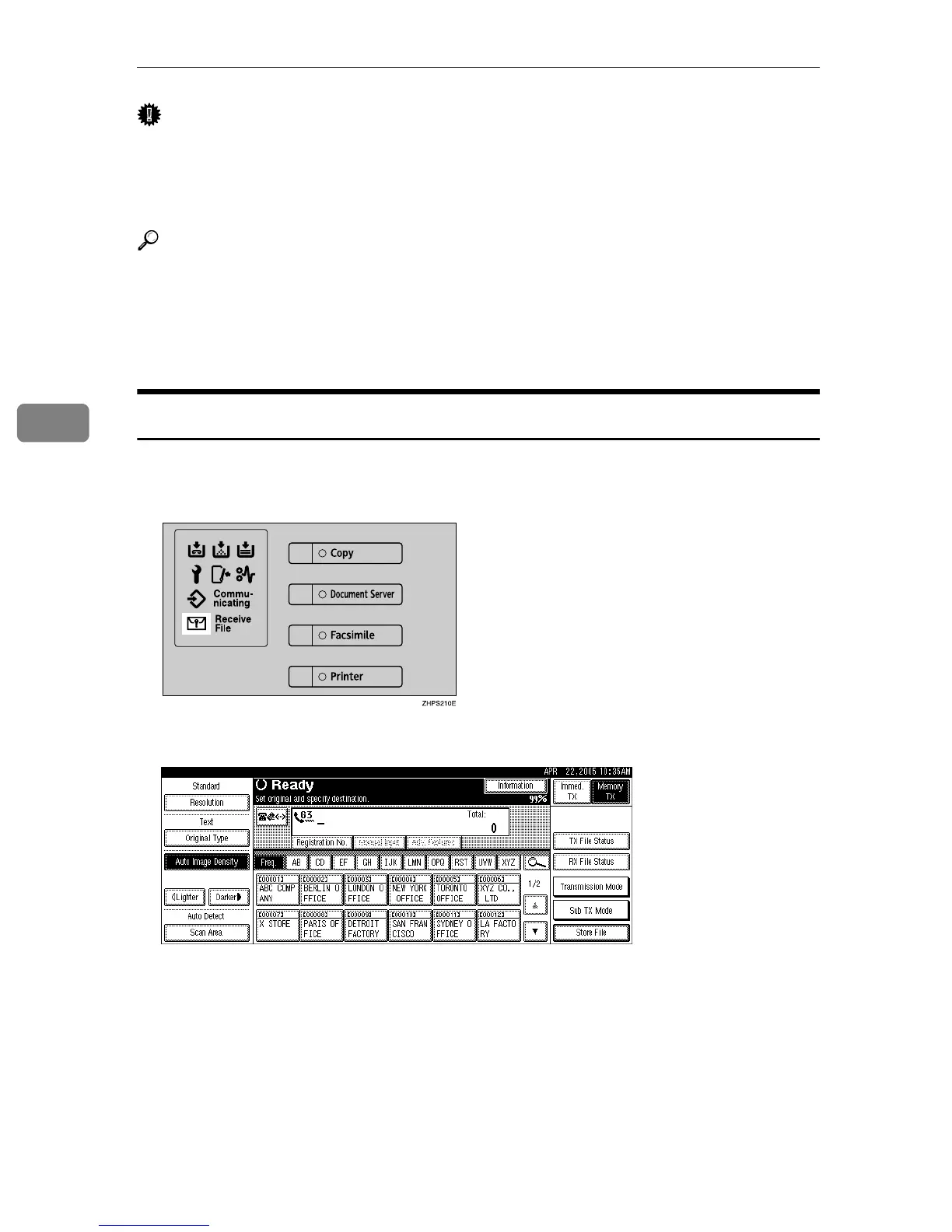
Follow these steps to print a document received into a Personal Box.
A Make sure that the Confidential File indicator is lit.
B Press [Information].
C Press [Print Personal Box File].











 To Next Page