Canceling a Transmission
105
1
While the Original Is Being Transmitted
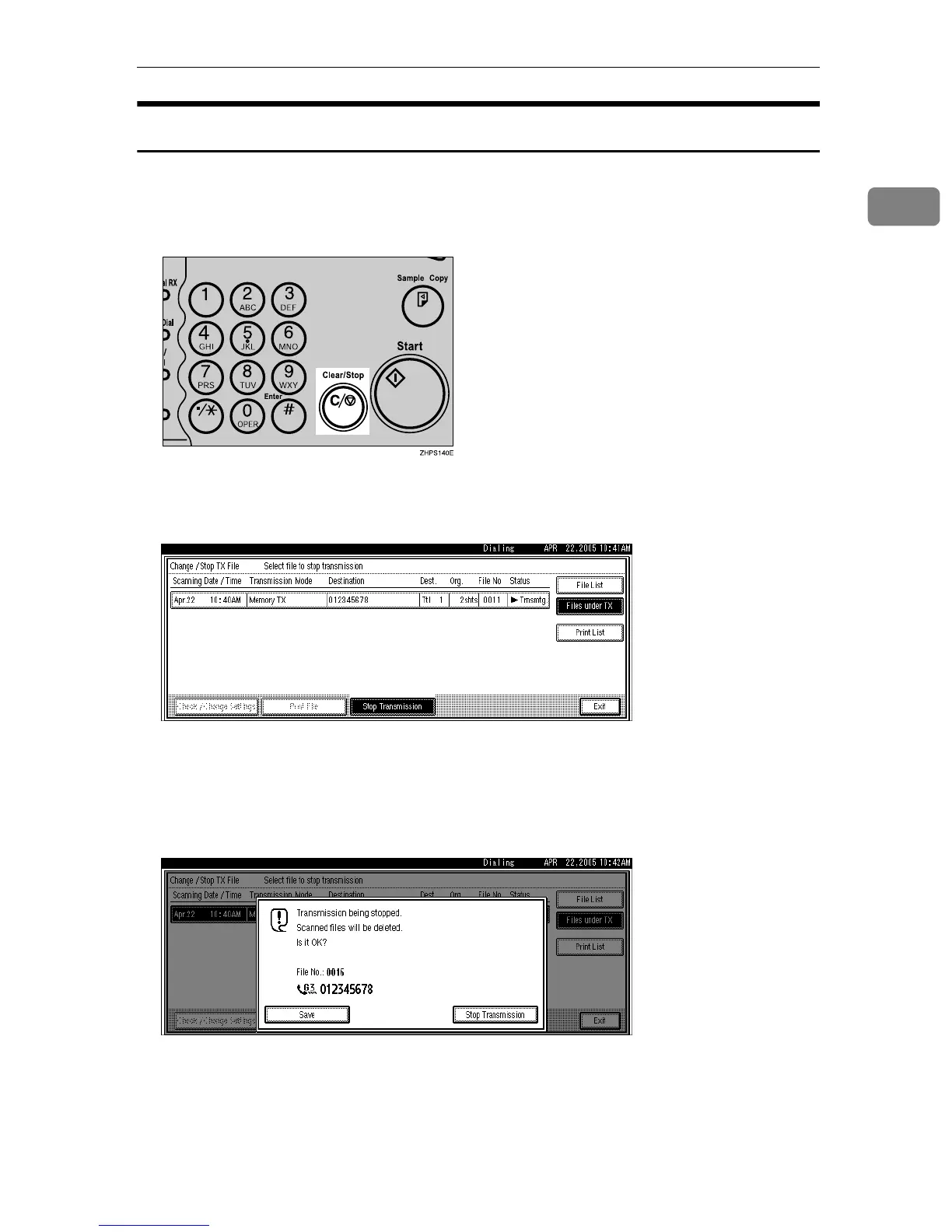
Follow these steps to cancel a transmission while the Communicating indicator
is lit.
A Press the {Clear/Stop} key.
You can also cancel a Memory Transmission by pressing [Change / Stop TX File].
B Select the file you want to cancel.
If the desired file is not shown, press [UPrev.] or [TNext] to find it.
There are cases when a destination may not be selected as the destination ap-
pears as “p”, depending on the security settings.
C Press [Stop Transmission].
To cancel another file, repeat steps
B
and
C
.
To cancel stopping transmission, press [Save].











 To Next Page