Sending Scan Files by E-mail
28
1
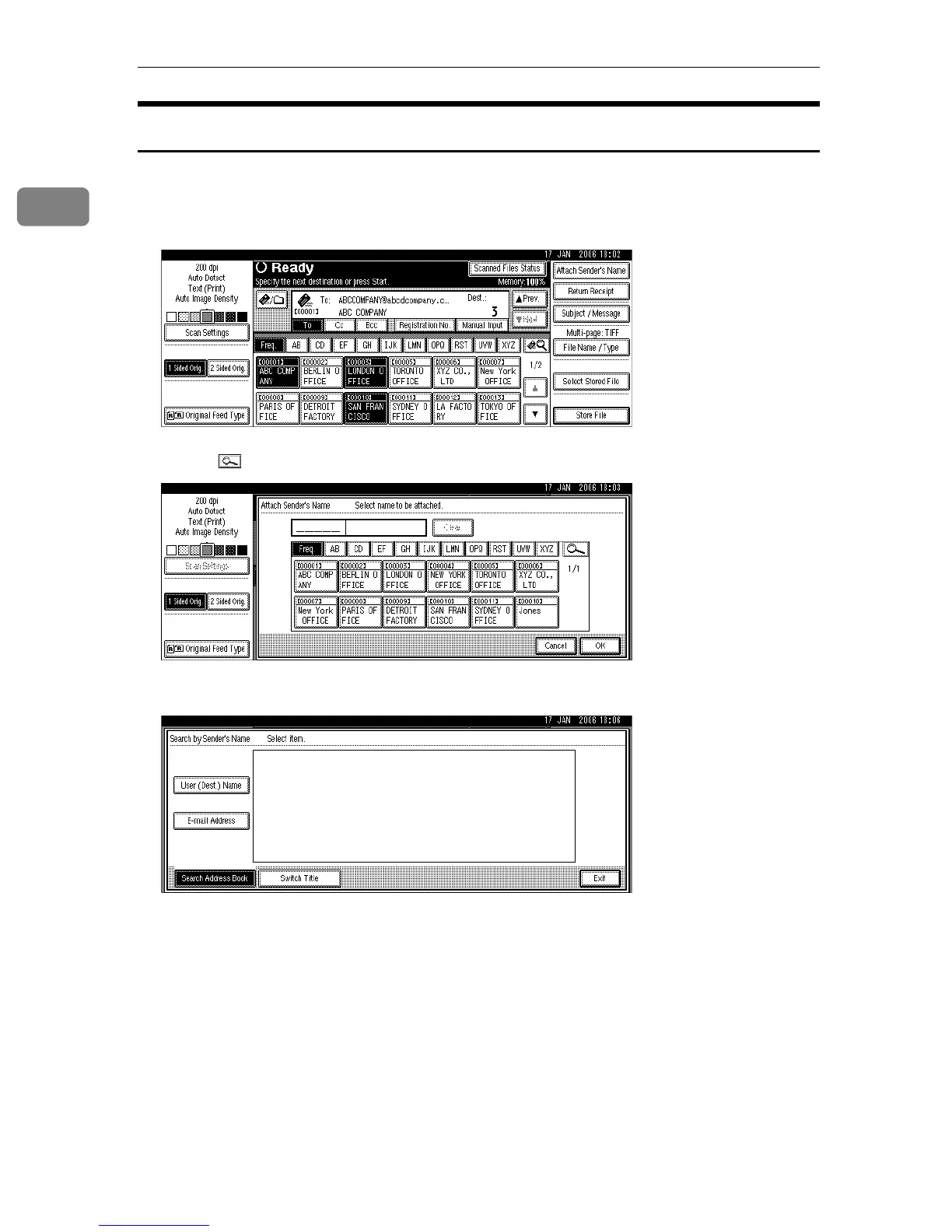
Selecting the Sender by Searching the Machine’s Address Book
This section explains how to select the sender by searching the machine’s ad-
dress book.
A Press [Attach Sender's Name].
B Press [].
C To search by user name, press [User (Dest.) Name].
To search by e-mail address, press [E-mail Address].
The soft keyboard appears.
You can also search by combining [User (Dest.) Name] and [E-mail Address].
D Enter the beginning of the sender’s name you want to search for.
To search by e-mail address, enter the beginning of the address.
E Press [OK].
F Select the sender.
G Press [Exit].
H Press [OK].











 To Next Page