Transmission
46
1
When placing an original into the ADF
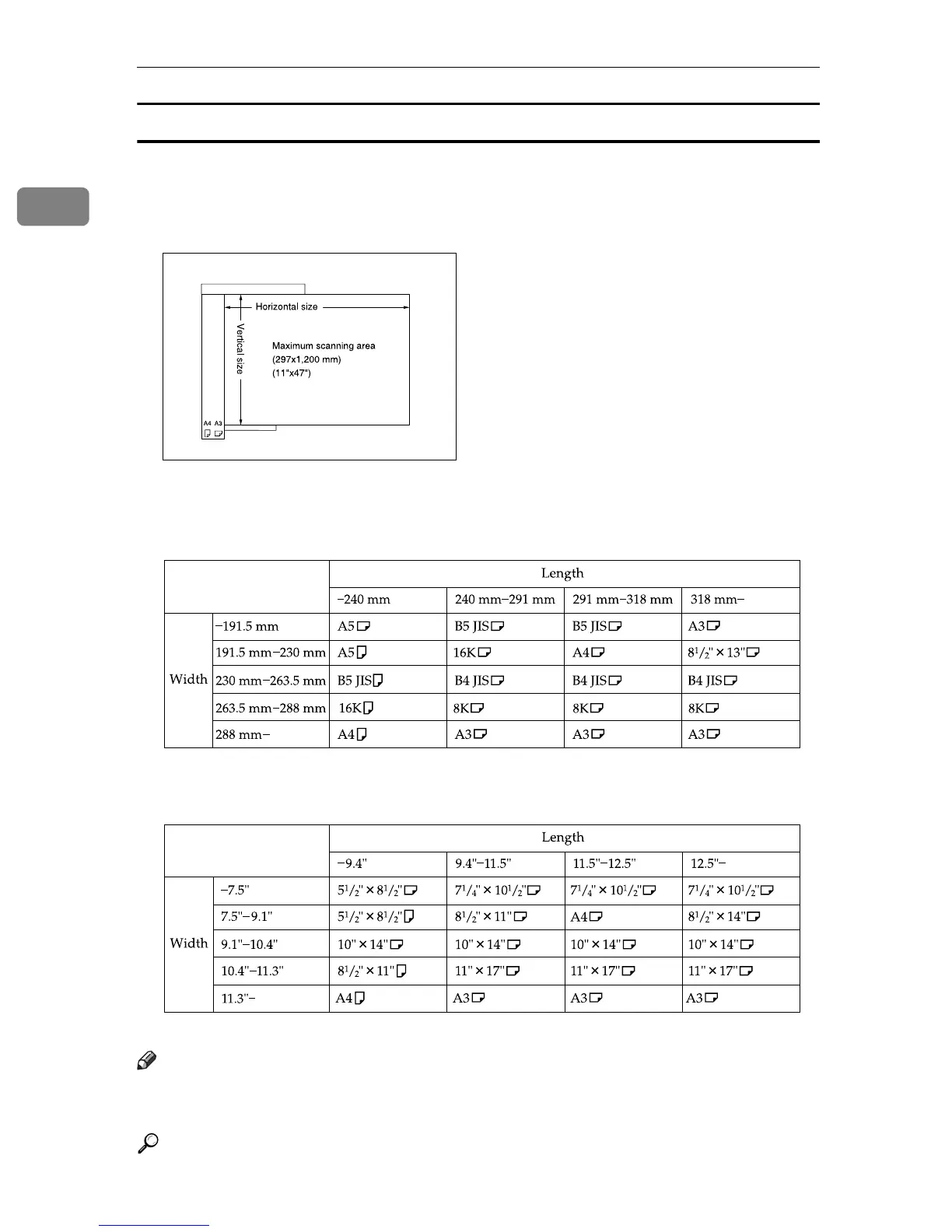
• Maximum scan area
The following shows the maximum scan area:
Memory Transmission: 297 × 1200 mm, 11" × 47" (W × L)
Immediate Transmission: 297 × 1200 mm, 11" × 47" (W × L)
The machine detects paper sizes in the following ways:
❖ Metric Version
❖ Inch Version
Note
❒
During Immediate Transmission, the length of the scanning range can become narrower than
1200 mm (47"), depending on the resolution as well as the settings on the destination machine.
Reference
p.38 “Setting a Scan Area”
AAG019S
ARZ003S
ARZ004S











 To Next Page