Transmission Modes
25
1
Checking the Transmission Settings
On this screen you can check the destination, transmission mode, and other
transmission settings before transmitting.
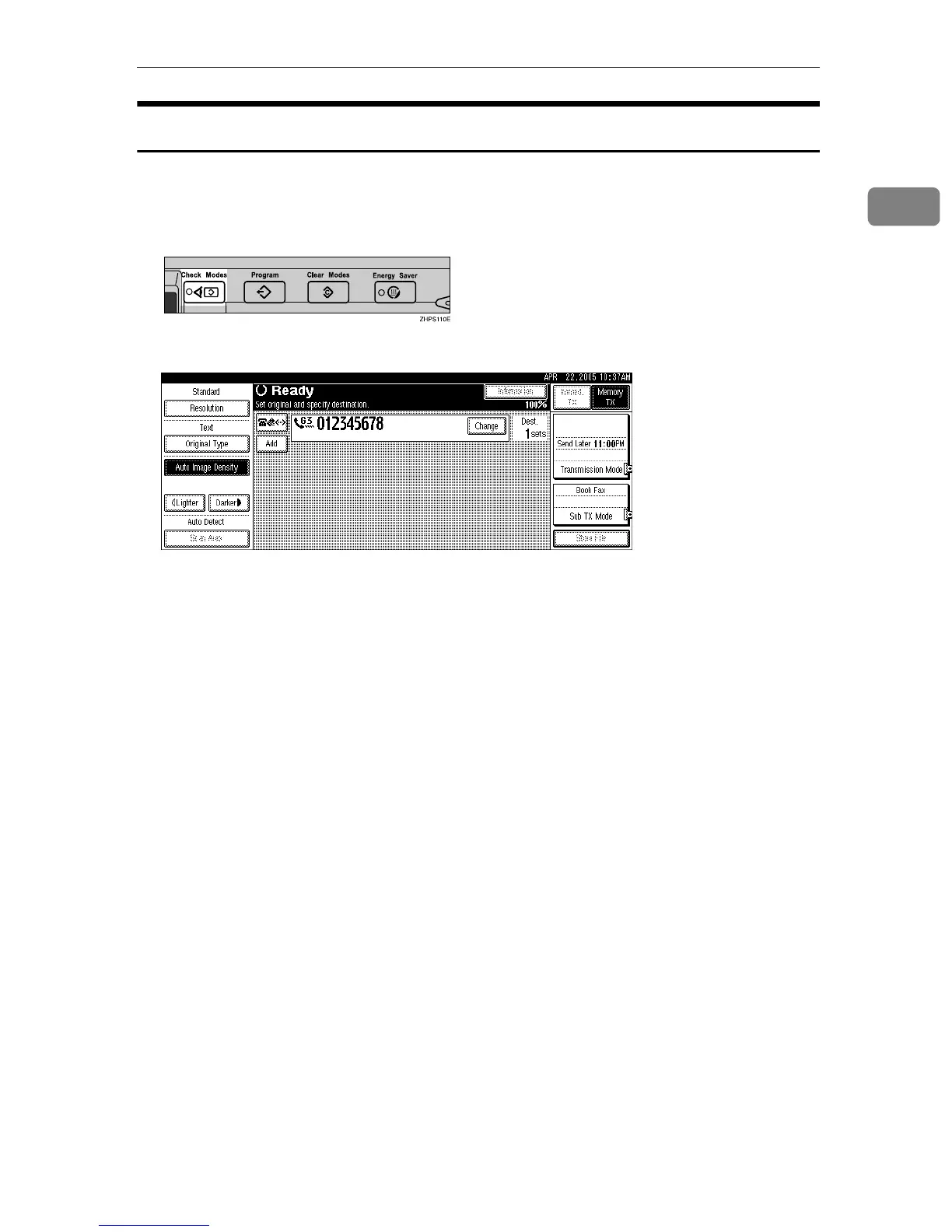
A Press the {Check Modes} key, and then check the transmission settings.
The following display appears.
B After checking the settings on the display, press the {Check Modes} key.
The display before the {Check Modes} key was pressed appears.











 To Next Page