Specifying a Destination
61
1
Sending by IP-Fax
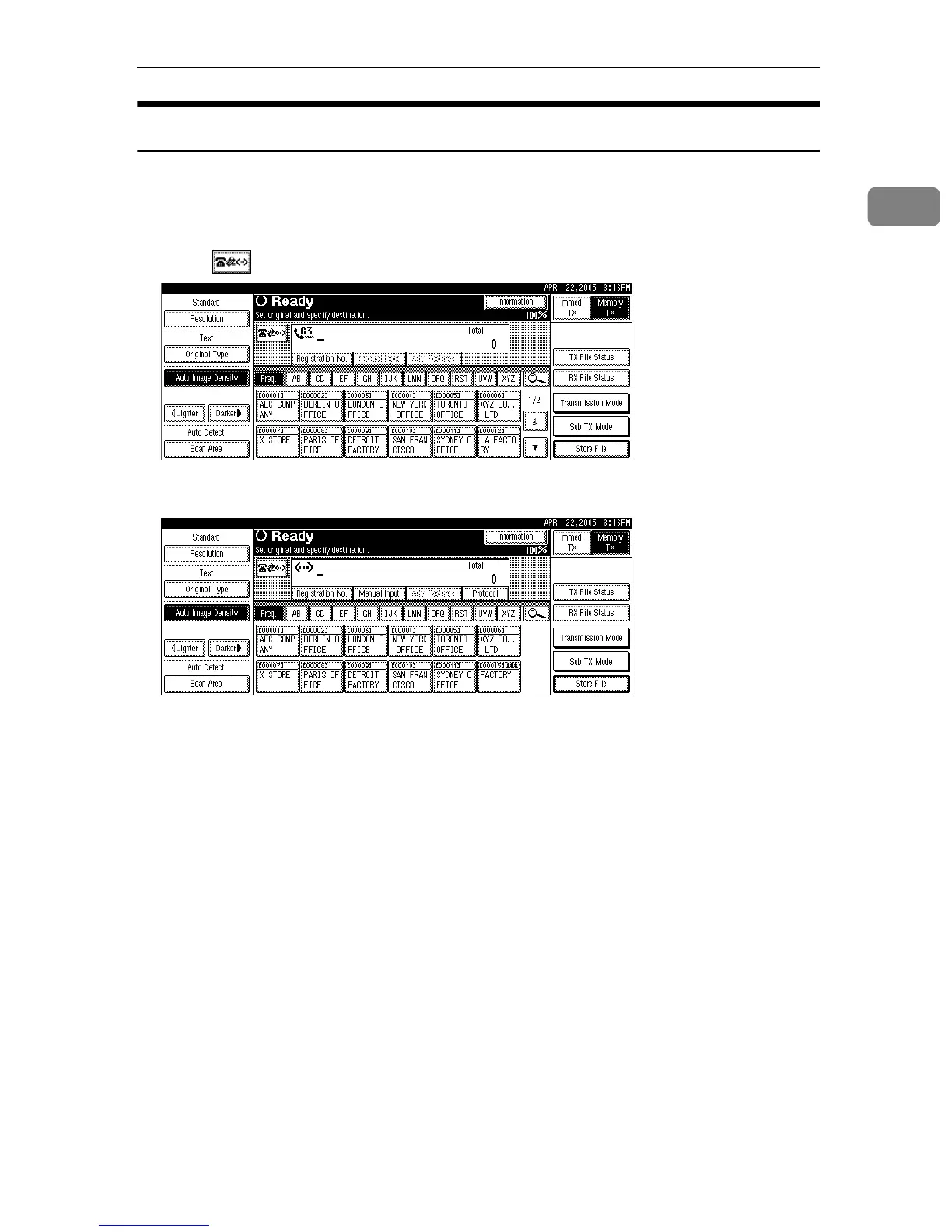
This section explains how to specify a destination using IP-Fax transmission.
When using IP-Fax transmission, specify the IP-Fax destination (IPv4 address,
host name, or alias telephone number) in place of the fax number.
A Press to switch the destination to IP-Fax destination.
B Press [Manual Input].
To select a destination from the Address Book, see “Using the Address Book
to Specify Destinations”.











 To Next Page