Transmission
102
1
Reference
p.35 “T.37 Full Mode”
p.58 “Sending Over a Fax Line”
p.61 “Sending by IP-Fax”
p.65 “Sending to an E-mail Address”
p.70 “Using the Address Book to Specify Destinations”
p.130 “Sub Transmission Mode”
p.169 “Transfer Result Report (transfer request by e-mail)”
p.291 “Maximum Values”
“Facsimile Features”, General Settings Guide
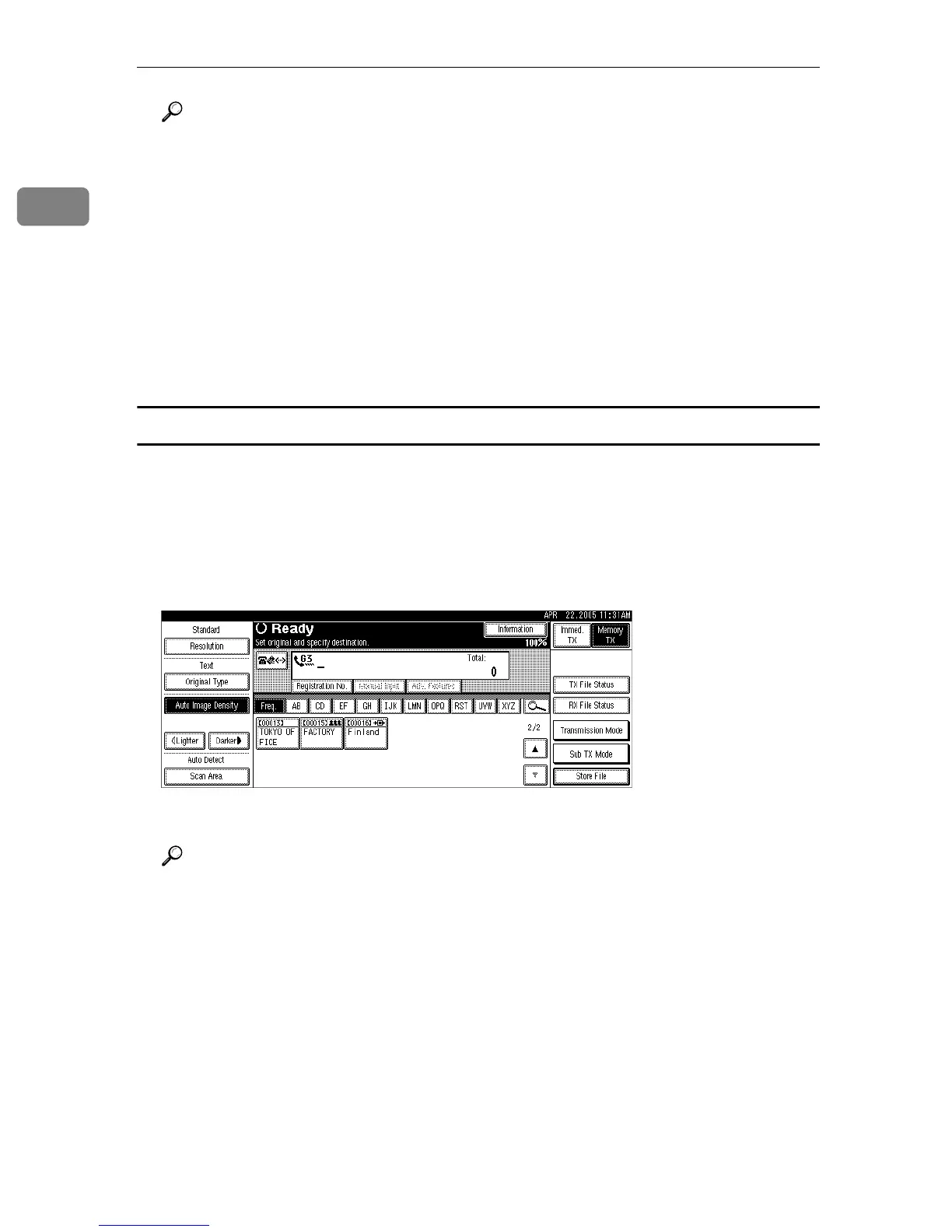
With transfer requests set in the System Settings menu
You can program a Destination key with Transfer Station and/or Receiving Sta-
tion under Program / Change / Delete Transfer Request in the System Settings
menu.
A Place the original, and then select the scan settings you require.
B Press the key programmed with Transfer Request.
C Press the {Start} key.
Reference
“System Settings”, General Settings Guide











 To Next Page