Changing/Confirming Communication Information
190
4
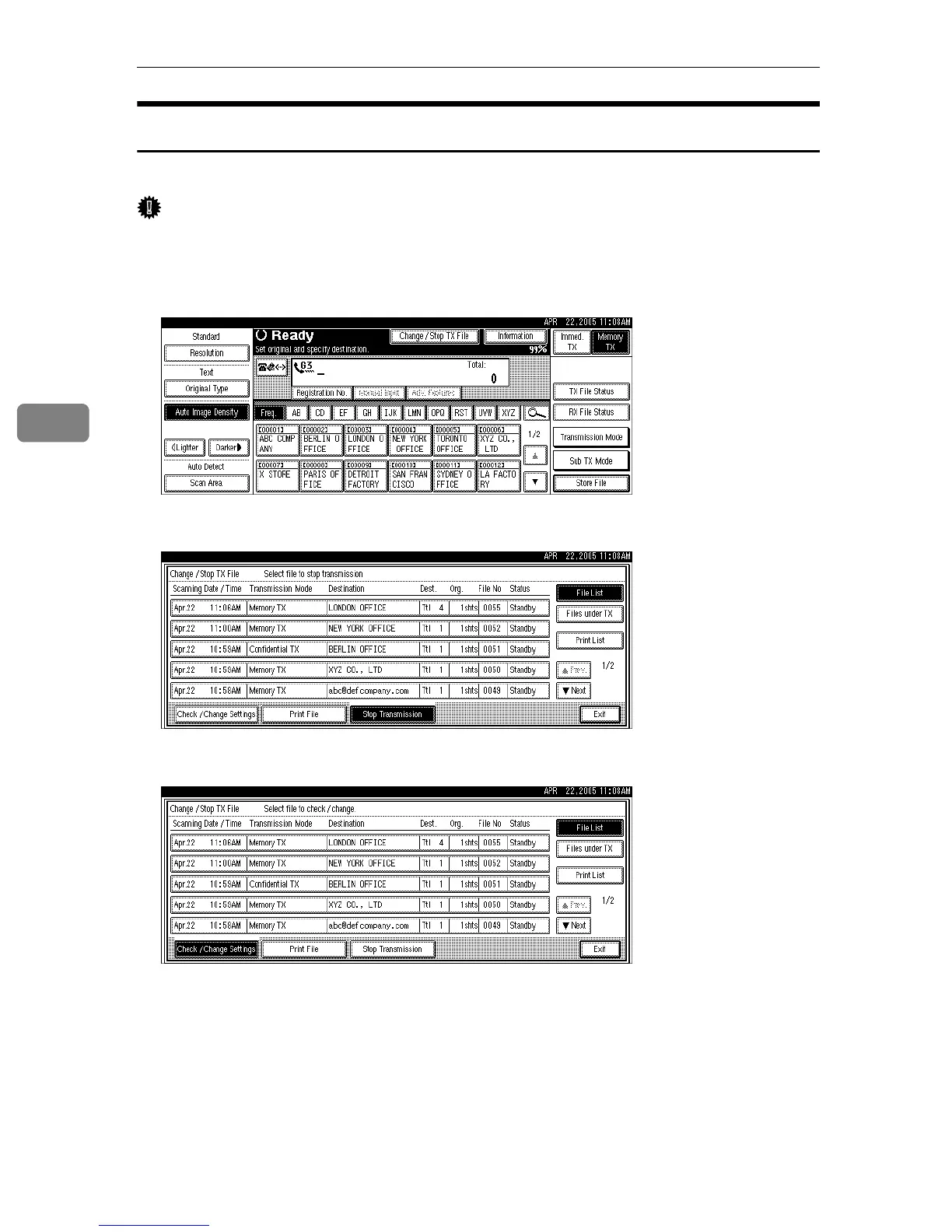
Deleting a Destination from a Simultaneous Broadcast
You can delete selected broadcasting destinations.
Important
❒ If you delete a destination that is the only destination for a transmission, the
transmission is canceled.
A Press [Change / Stop TX File].
B Press [Check / Change Settings].
C Select the file from which you want to delete a destination.











 To Next Page