Changing/Confirming Communication Information
234
4
F Press the {Start} key.
If you want two-sided printing, press [Print 2 Sides] before pressing the {Start}
key.
To stop printing before pressing the {Start} key, press [Cancel]. The display re-
turns to that of step
D
.
To stop printing after pressing the {Start} key, press [Stop Printing]. The dis-
play returns to that of step
D
.
G Press [Exit].
Repeat from step
D
to print another stored file in the box.
H Press [Exit].
The standby display appears.
Deleting Information Box Documents
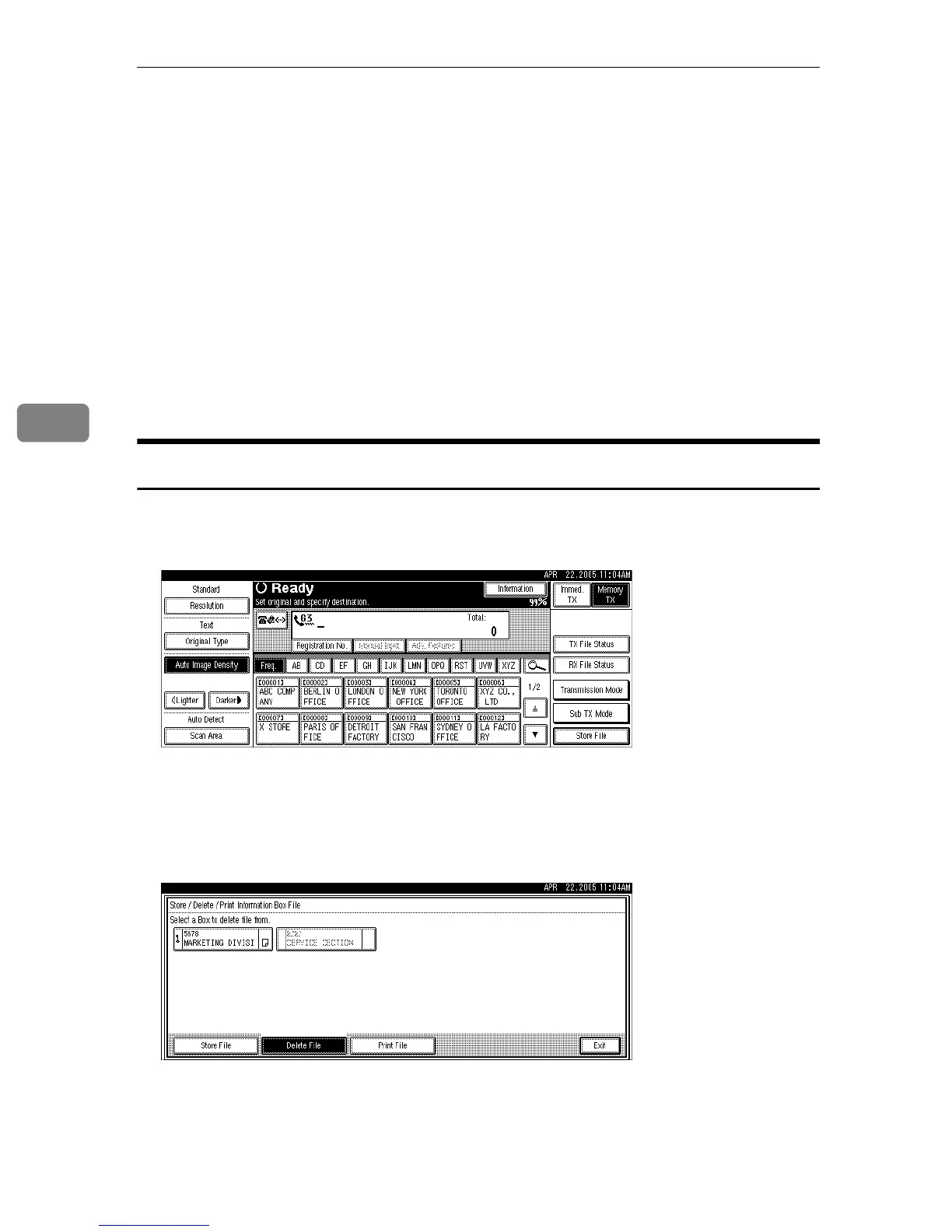
Follow these steps to delete a file stored in an Information Box.
A Press [Information].
B Press [Store / Delete / Print Information Box File].
C Press [Delete File].
D Select the box that contains the stored file you want to delete.











 To Next Page