Placing Originals
39
1
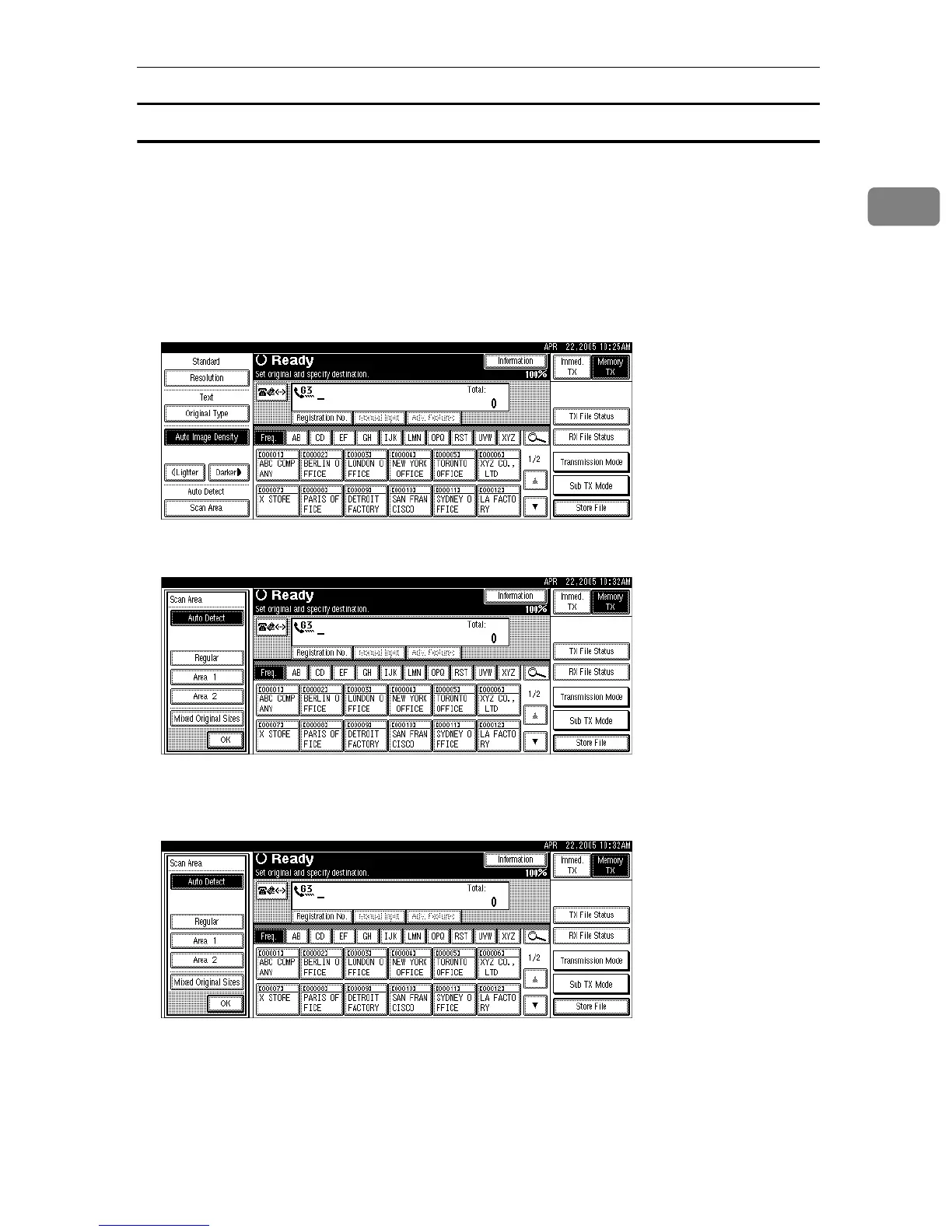
Auto Detect
Detects the size of the first page and scans all pages using that size.
If you want to scan originals of different sizes, use the Mixed Original Sizes function.
If the machine cannot detect the original size, a confirmation message appears.
Place the original again.
A Place the original, and then select the scan settings you require.
B Press [Scan Area].
C Make sure that [Auto Detect] is selected.
If it is not, press [Auto Detect].
D Press [OK].
“
Auto Detect” is shown above [Scan Area].
E Specify a destination, and then press the {Start} key.











 To Next Page