Printing a Document
91
3
Paper Type
Use this to select the paper type.
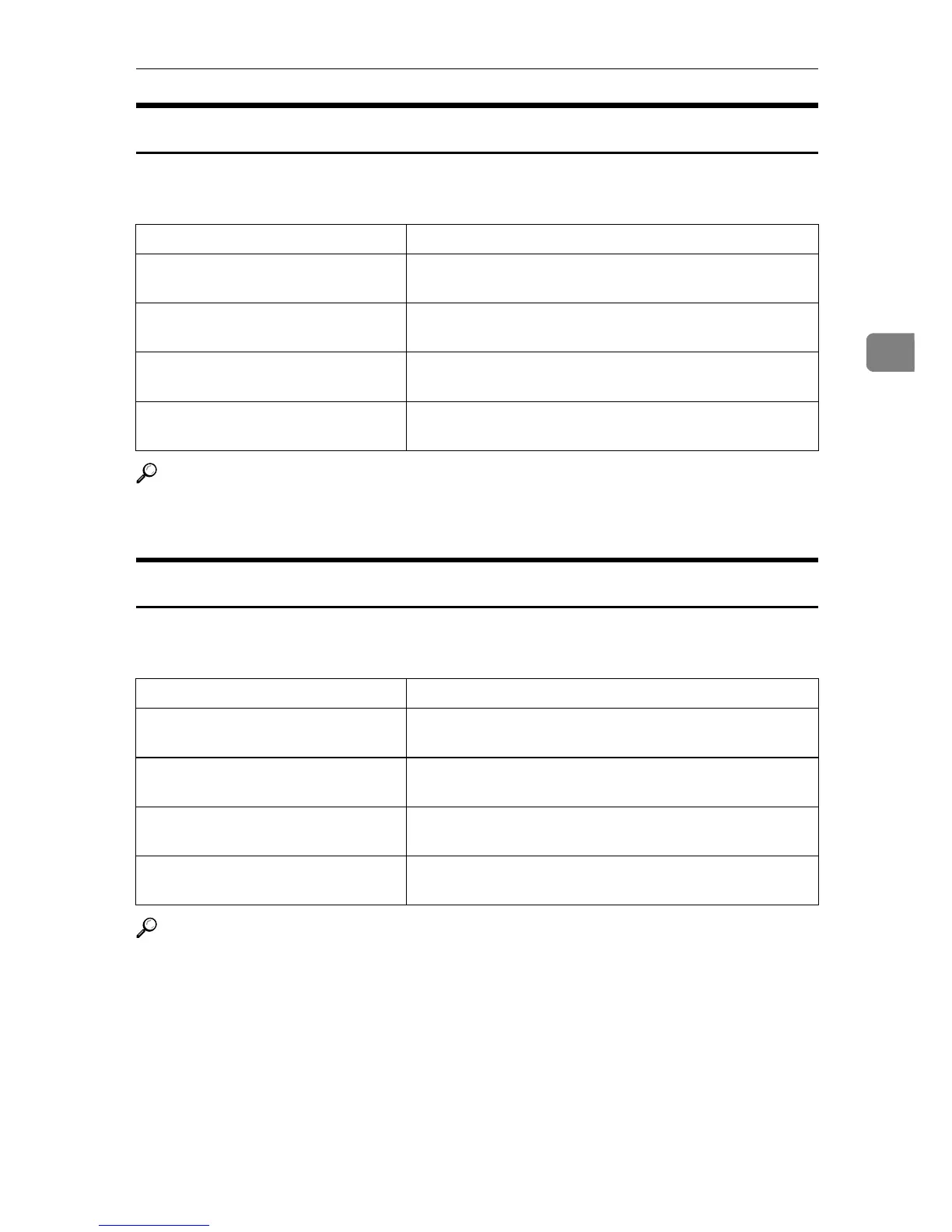
The following table shows the tabs or menus where you can select this function.
Reference
For details about the media type supported by this machine, see General Set-
ting Guide.
Destination Tray
Use this to select the destination tray.
The following table shows where you can select this function.
Reference
For details about the destination tray supported by this machine, see \Gener-
al Setting Guide.
Windows 95 / 98 / Me [Type:] on the [Paper] tab.
Windows 2000 / XP, Windows Serv-
er 2003
[Media:] on the [Paper/Quality] tab in the Printing Prefer-
ence dialog box.
Windows NT 4.0 [Paper/Output] on the [Advanced] tab in the Document De-
faults dialog box.
Mac OS [Paper Type:] on [Printer Specific Options] in the print dialog
box.
Mac OS X [Paper Type:] on the [Features x] tab on [Printer Features] in
the print dialog box.
Windows 95 / 98 / Me [Output Tray:] in the [Paper] tab.
Windows 2000 / XP, Windows Serv-
er 2003
[Destination] in [Printer Features] on [Advanced...] on the [Pa-
per/Quality] or [Layout] tab.
Windows NT 4.0 [Destination] in [Printer Features] on [Document Options] on
the [Advanced] tab.
Mac OS [Destination] in [Printer Specific Options] in the print dialog
box.
Mac OS X [Destination]on the [Features x] tab in [Printer Features] in
the print dialog box.











 To Next Page