Placing Originals
41
1
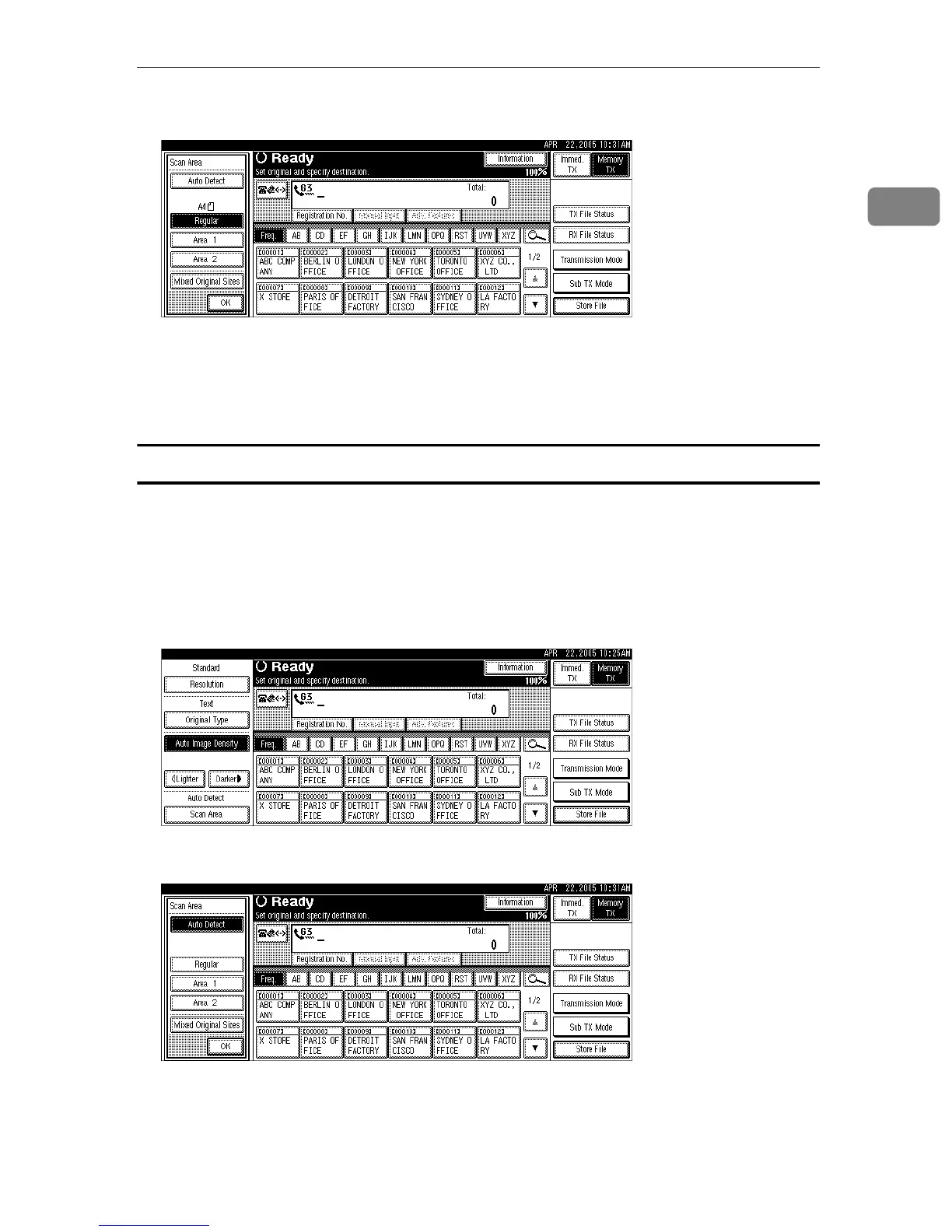
E Press [OK].
The selected size is shown above the highlighted [Scan Area].
To cancel the selected scan size, select [Auto Detect].
F Specify a destination, and then press the {Start} key.
Area
Program the sizes of the originals to be scanned in advance in the Facsimile Fea-
tures menu. Only the area in the specified size is scanned regardless of the actual
size of a placed original.
A Place the original, and then select the scan settings you require.
B Press [Scan Area].
C Press [Area 1] or [Area 2].











 To Next Page