Information Boxes
231
4
Reference
p.96 “Setting SEP Codes for Reception”
p.231 “Storing Documents in Information Boxes”
p.233 “Printing Information Box Documents”
“Facsimile Features”, General Settings Guide
“Troubleshooting When Using the Facsimile Function”, Troubleshooting
Storing Documents in Information Boxes
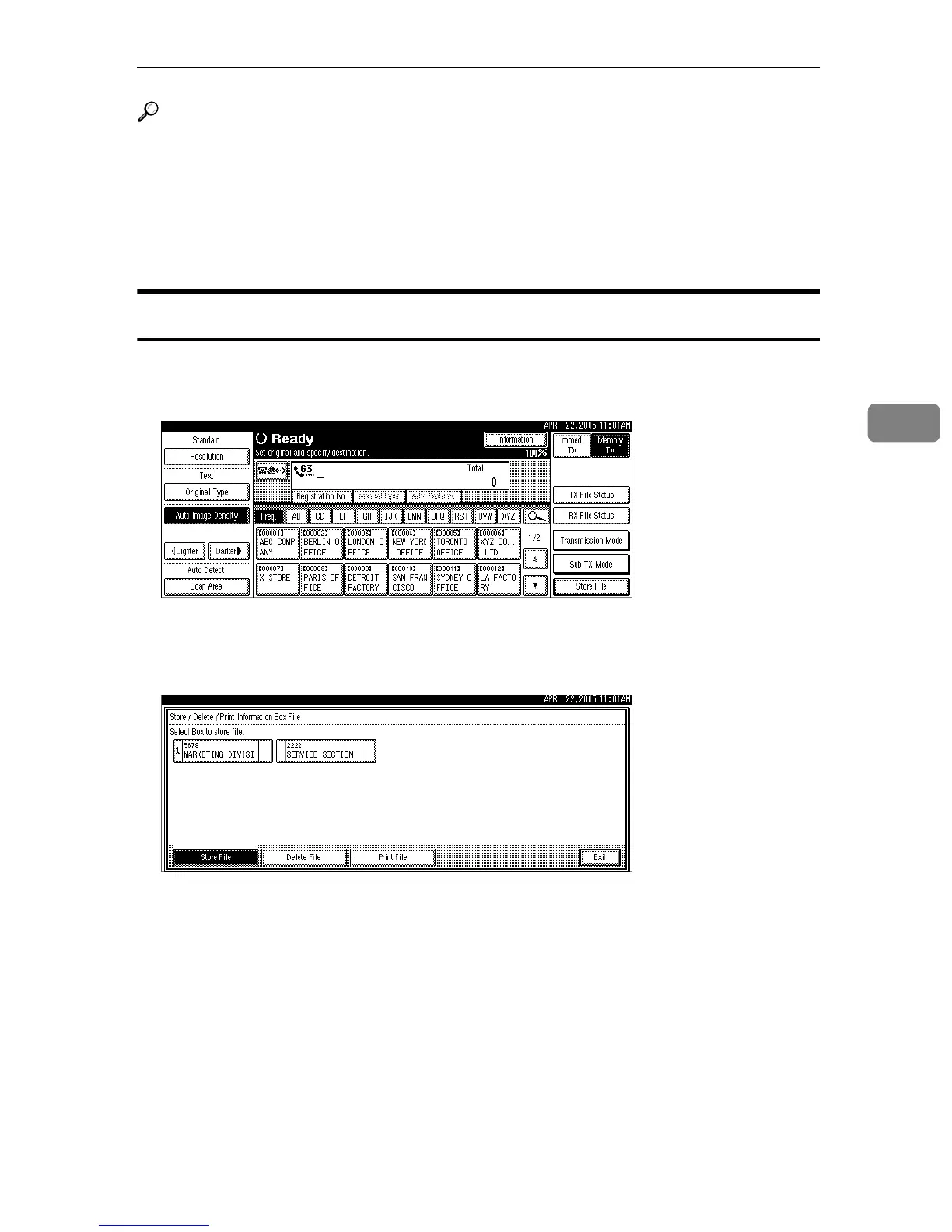
Follow these steps to store a document in an Information Box.
A Press [Information].
B Press [Store / Delete / Print Information Box File].
C Select the box in which you want to store the file.
When there are pre-programmed files, a file mark appears to the right of the
box name.
A message is displayed if you select a box with a file stored in it. Press [Yes]
when changing the file. The stored original file is overwritten.











 To Next Page