Storing Files Using the Scanner Function
74
3
❒ You can also delete files stored in the machine by accessing the machine
from a client computer using Web Image Monitor or DeskTopBinder. For
details about Web Image Monitor, see Web Image Monitor Help. For de-
tails about DeskTopBinder, see the manuals supplied with DeskTopBind-
er.
Changing Information for a Stored File
You can change information for a stored file, such as [User Name], [File Name], and
[Password].
Note
❒ Information for files waiting for being sent cannot be changed.
Changing a user name
You can change the user name for a stored file.
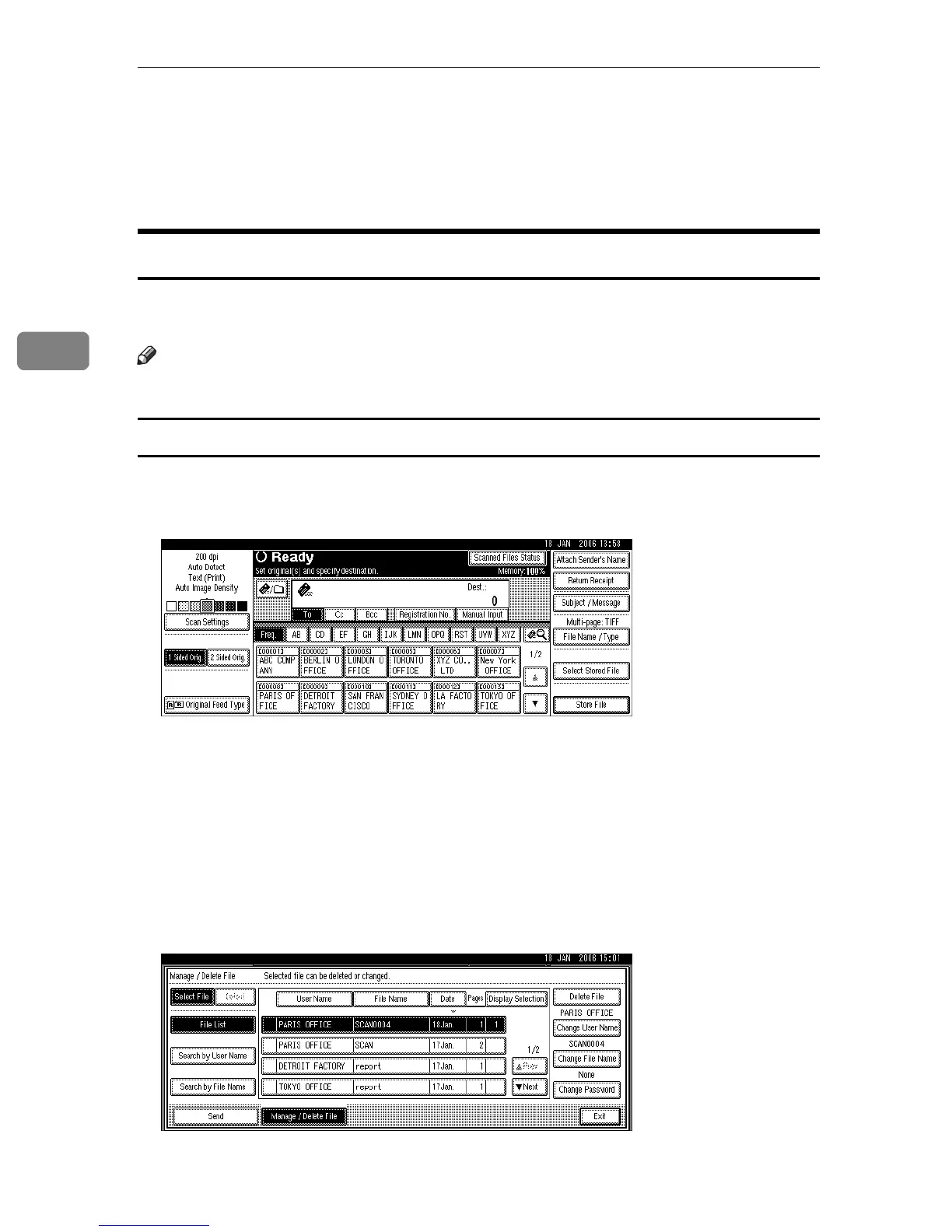
A Press [Select Stored File].
The list of stored files appears.
B Press [Manage / Delete File].
C Select the file containing the file information you want to change.
If you select a password-protected stored file, a screen for entering the pass-
word appears. To select the file, enter the correct password, and then press
[OK].
D Press [Change User Name].











 To Next Page