Appendix
284
7
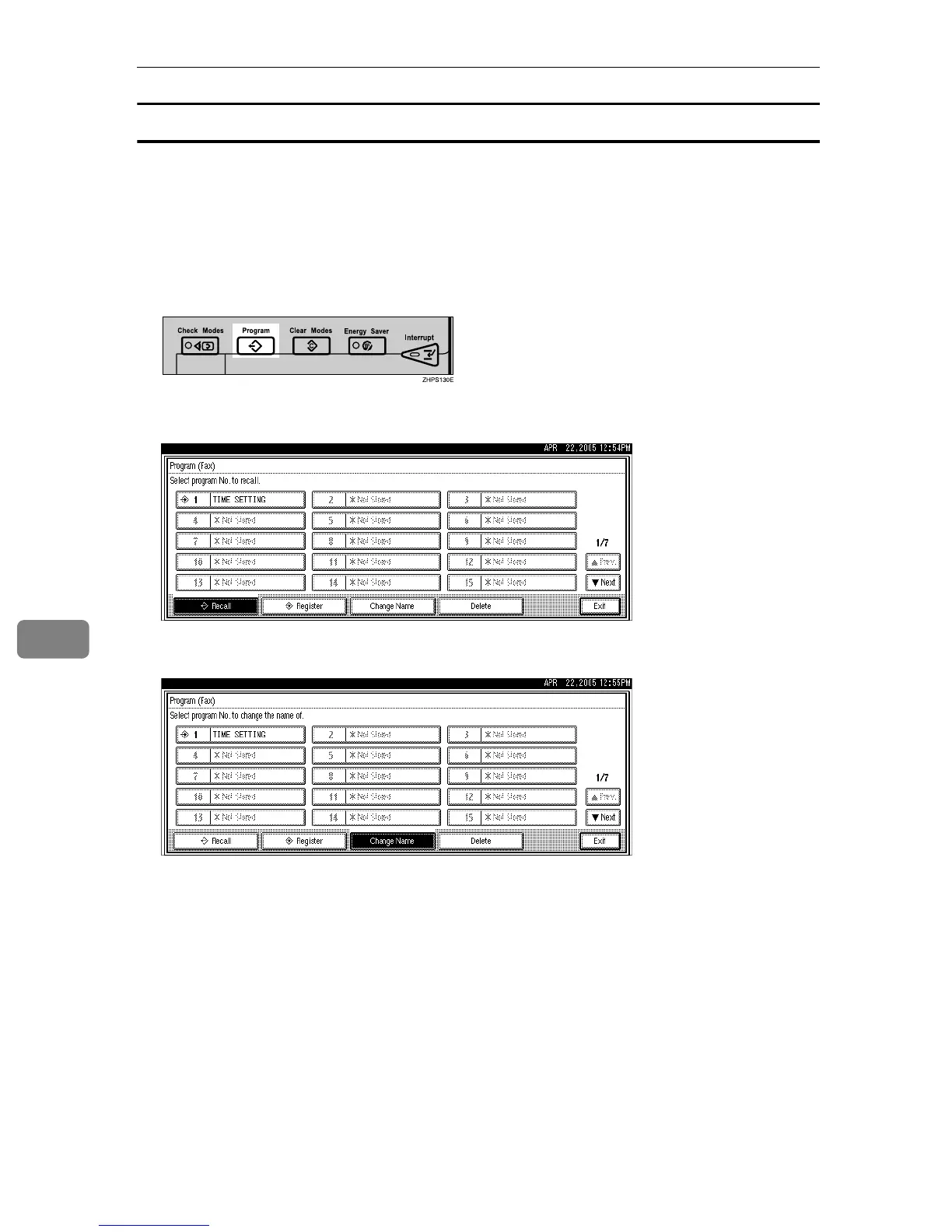
Changing a program name
Follow these steps to change a program name.
A Make sure that the machine is in facsimile mode and the standby display
is shown.
If the standby display is not shown, press the {Facsimile} key.
B Press the {Program} key.
C Press [Change Name].
D Select the program number of the name you want to change.
E Enter a new program name, and then press [OK].
Press [Cancel] to cancel the change, and proceed to step
F
.
F Press [Exit].
The standby display appears.











 To Next Page