Managing Stored Files
73
3
Managing Stored Files
This section explains how to delete stored files and how to change the informa-
tion for stored files.
Deleting a Stored File
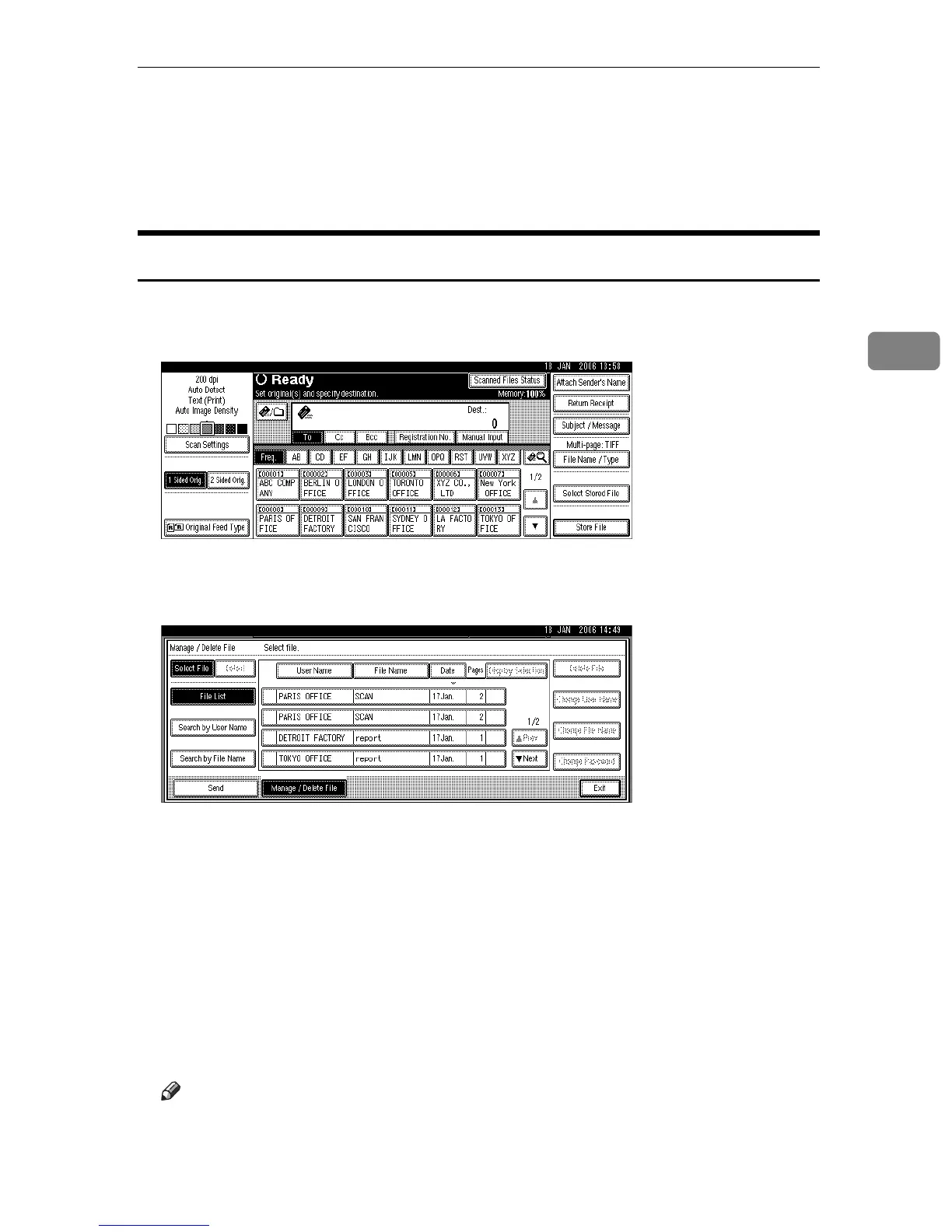
This section explains how to delete a stored file.
A Press [Select Stored File].
The list of stored files appears.
B Press [Manage / Delete File].
C Select the file you want to delete.
If you select a password-protected stored file, a screen for entering the pass-
word appears. To select the file, enter the correct password, and then press
[OK].
D Press [Delete File].
A confirmation message about deleting the file appears.
E Press [Delete].
F Press [Exit].
Note
❒ You cannot delete files that are waiting to be sent.











 To Next Page