Searching for a Destination in the Address Book
87
1
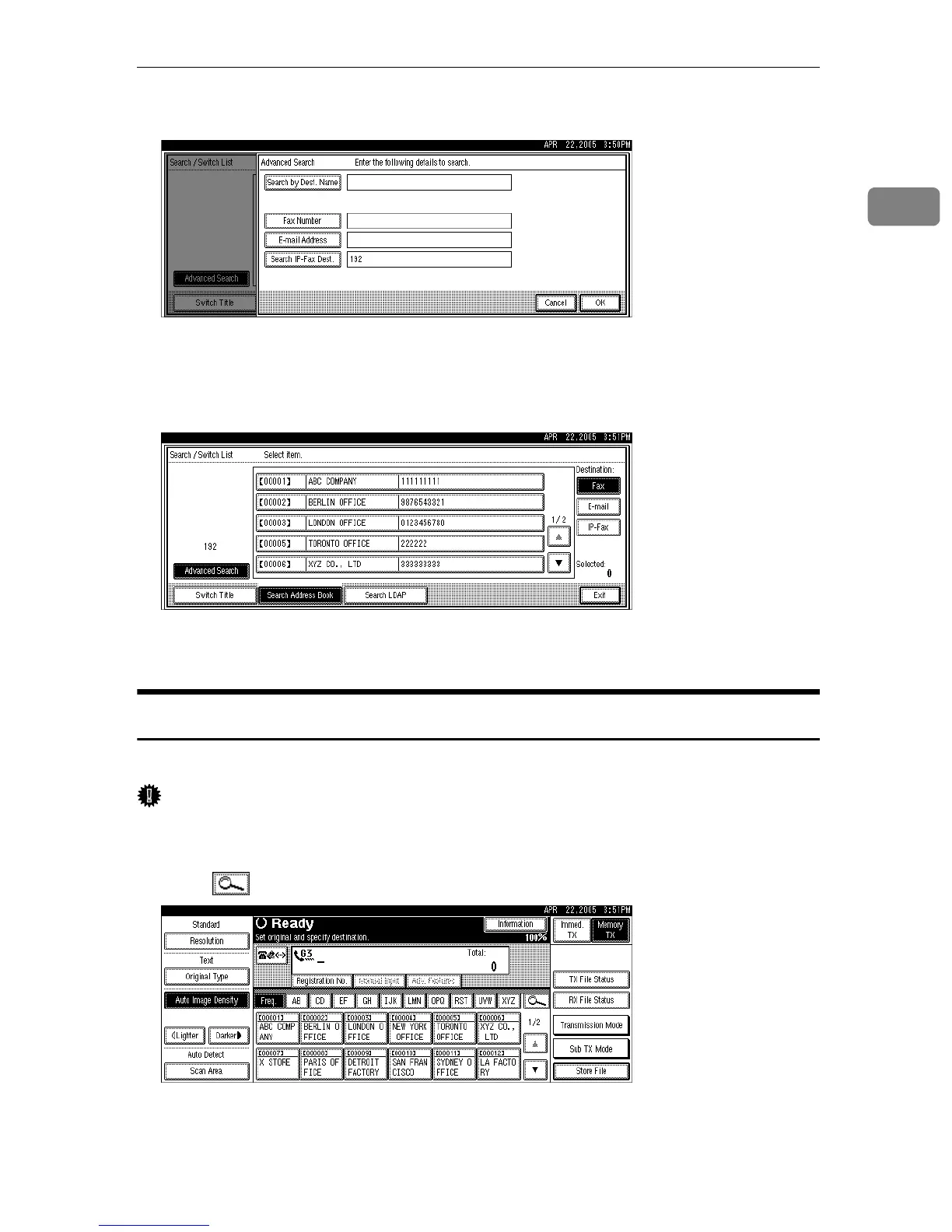
E Confirm entered IP-Fax destination and press [OK].
A search-in-progress message appears.
When the search is finished, a result appears.
F Select a destination.
If the desired destination does not appear, use [U] or [T] to scroll through the
list.
Search by LDAP Server
Follow these steps to search for a destination registered on the LDAP server.
Important
❒ To search for a destination from an LDAP server, the LDAP server must be
registered in advance.
A Press , the magnifier icon.
B Press [Search LDAP].
C Press [Select Server].











 To Next Page