Storing a Document
242
5
D Press [OK].
Press [Change] to enter a different password.
E Press [OK].
Sending Stored Documents
The machine sends documents stored in the Document Server.
The documents stored in the Document Server can be sent again and again until
they are deleted. Once sent, documents are stored in the Document Server.
Therefore, you can send them in just one operation without having to set your
originals again.
Important
❒ Store the documents to be sent in advance. You can program a password for
this function. You can change the user names, file names, and passwords of
stored documents.
❒ You cannot use the following transmission methods:
• Free Polling Transmission
• Default ID Transmission
• ID Override Transmission
• Immediate Transmission
• Parallel Memory Transmission
•On Hook Dial
• Manual Dial
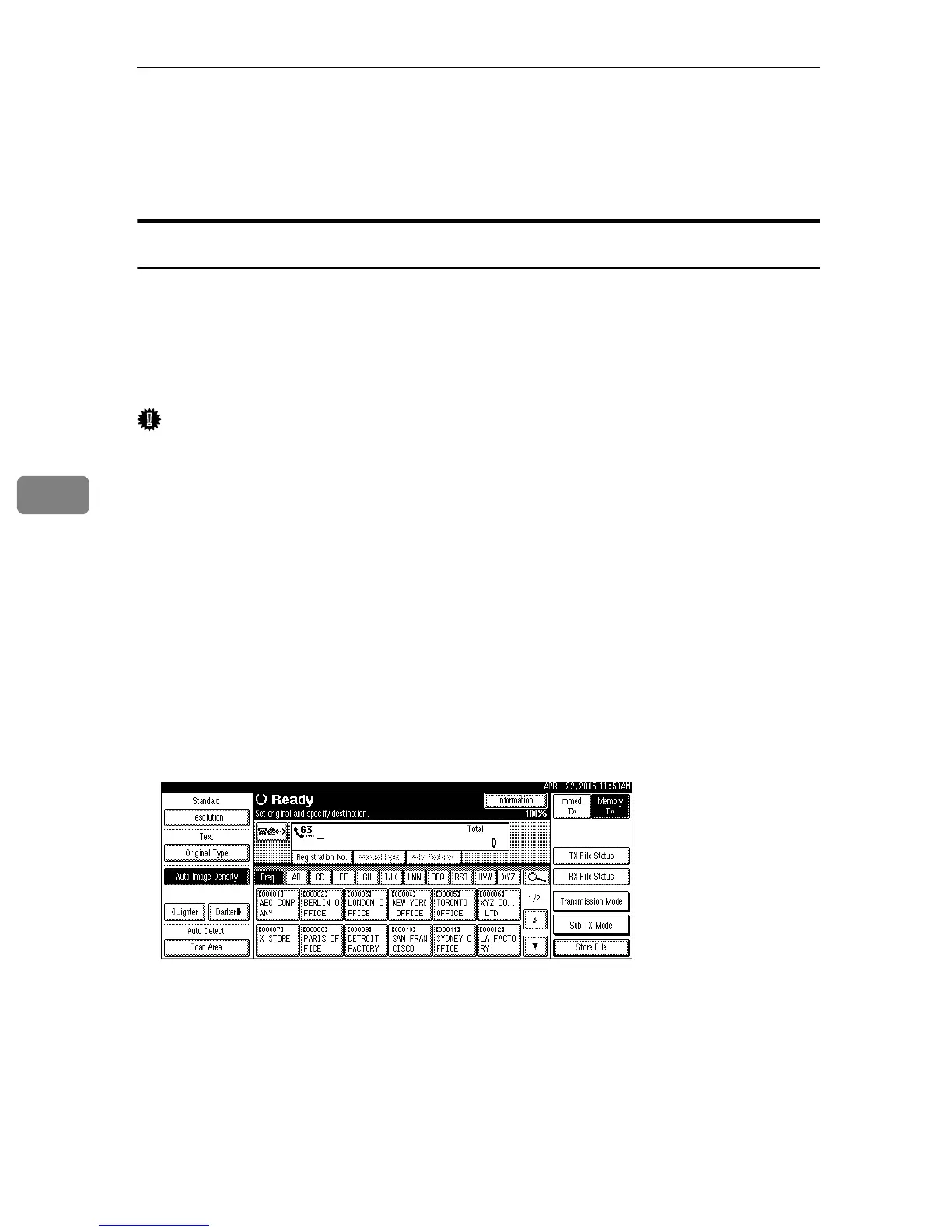
A Press [Sub TX Mode].
B Press [Select Stored File].











 To Next Page