Sending a Stored File
243
5
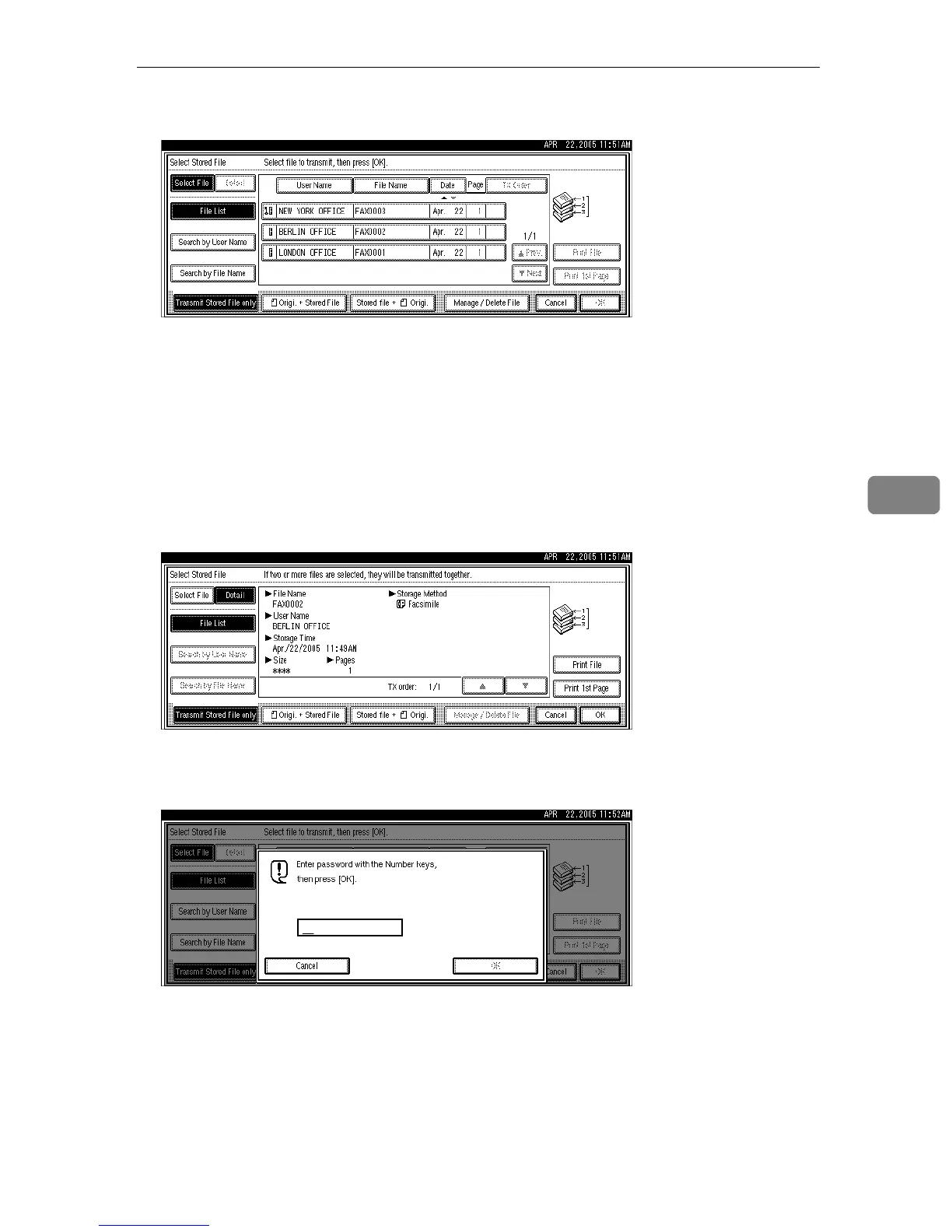
C Select the documents to be sent.
When multiple documents are selected, they are sent in the order of selection.
•Press [TX Order] to arrange the order of the documents to be sent.
•Press [File Name] to place the documents in alphabetical order.
•Press [User Name] to place the documents in order by programmed user
name.
•Press [Date] to place the documents in order of programmed date.
To see details of the selected document, press [Detail]. To return to the display
of step
C
, press [Select File].
D If you select a document with a password, enter the password, and then
press [OK].
If the document does not have a password, proceed to step
E
.











 To Next Page