Specifying a Destination
59
1
Reference
p.55 “Changing the Line Port”
p.59 “Entering a pause”
p.60 “Entering a tone”
p.70 “Using the Address Book to Specify Destinations”
p.78 “Registering Entered Destinations to the Address Book”
p.291 “Maximum Values”
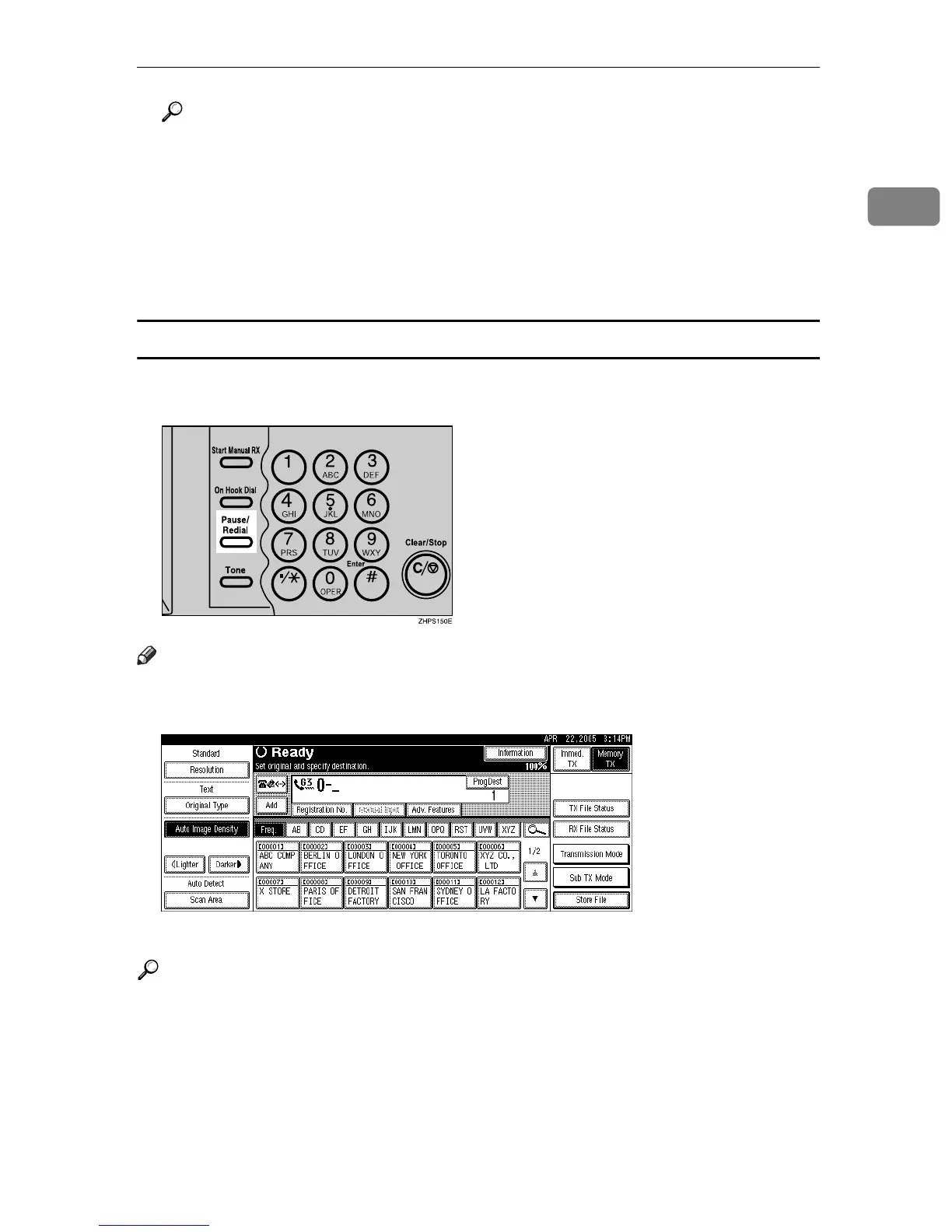
Entering a pause
Press the {Pause/Redial} key when dialing or storing a number to insert a pause
of about two seconds.
Note
❒ If you press the {Pause/Redial} key at the first digit, the Redial screen appears.
❒ A pause is shown as a “-” on the display.
❒ You can also program numbers including pauses in the destination list.
Reference
p.74 “Redial”











 To Next Page