Sub Transmission Mode
153
2
E Press [OK] twice.
F Specify the destination, and then press the {Start} key.
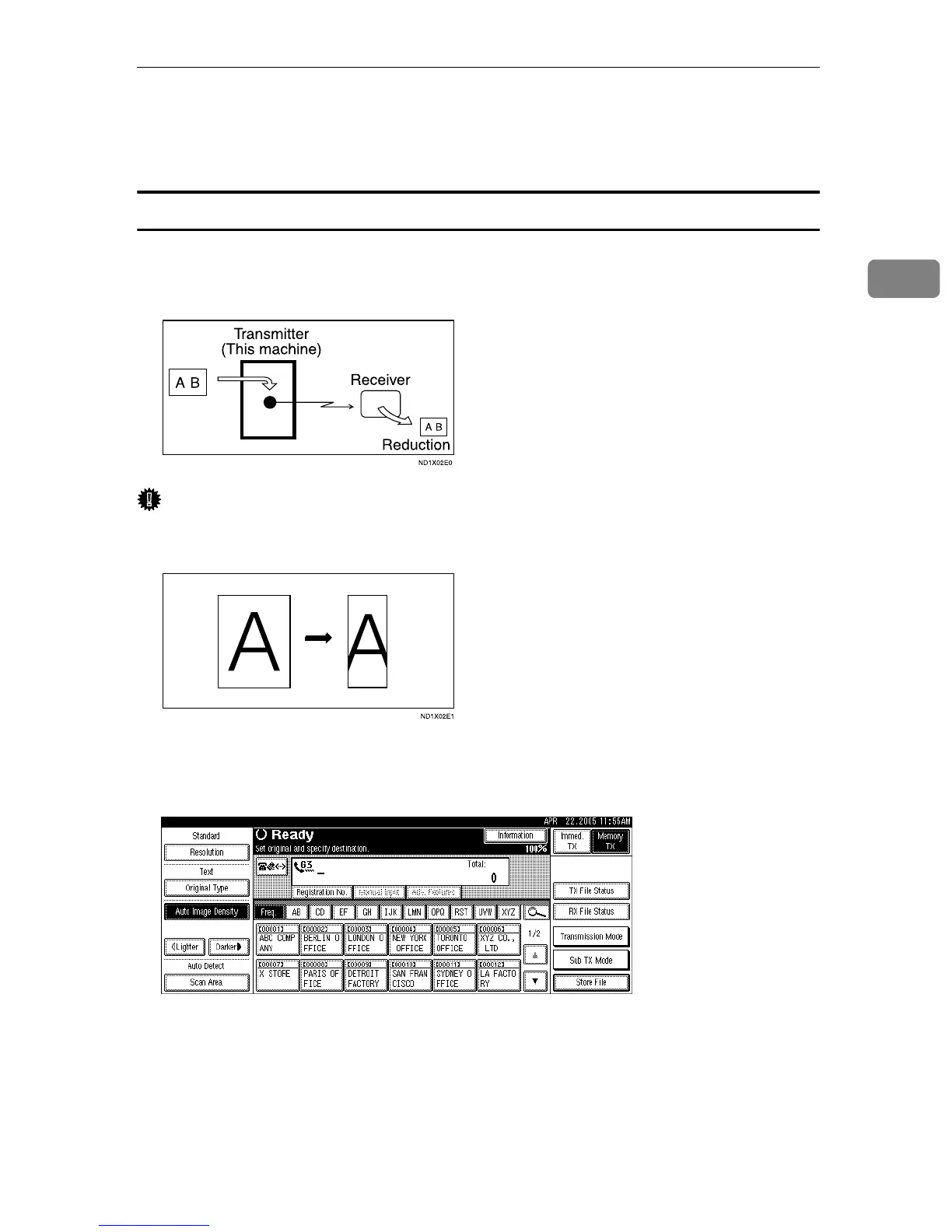
Auto Reduce
When this function is turned on, if the receiver's paper is smaller than the size of
the original you are sending, the document is automatically reduced to fit onto
the paper available at the other end.
Important
❒ If you turn this function off, the scale of the original is maintained and some
parts of the image may be deleted when printed at the other end.
A Place the original, and then select the scan settings you require.
B Press [Sub TX Mode].
C Select [Options].











 To Next Page