Sending a Stored File
241
5
Setting a file name
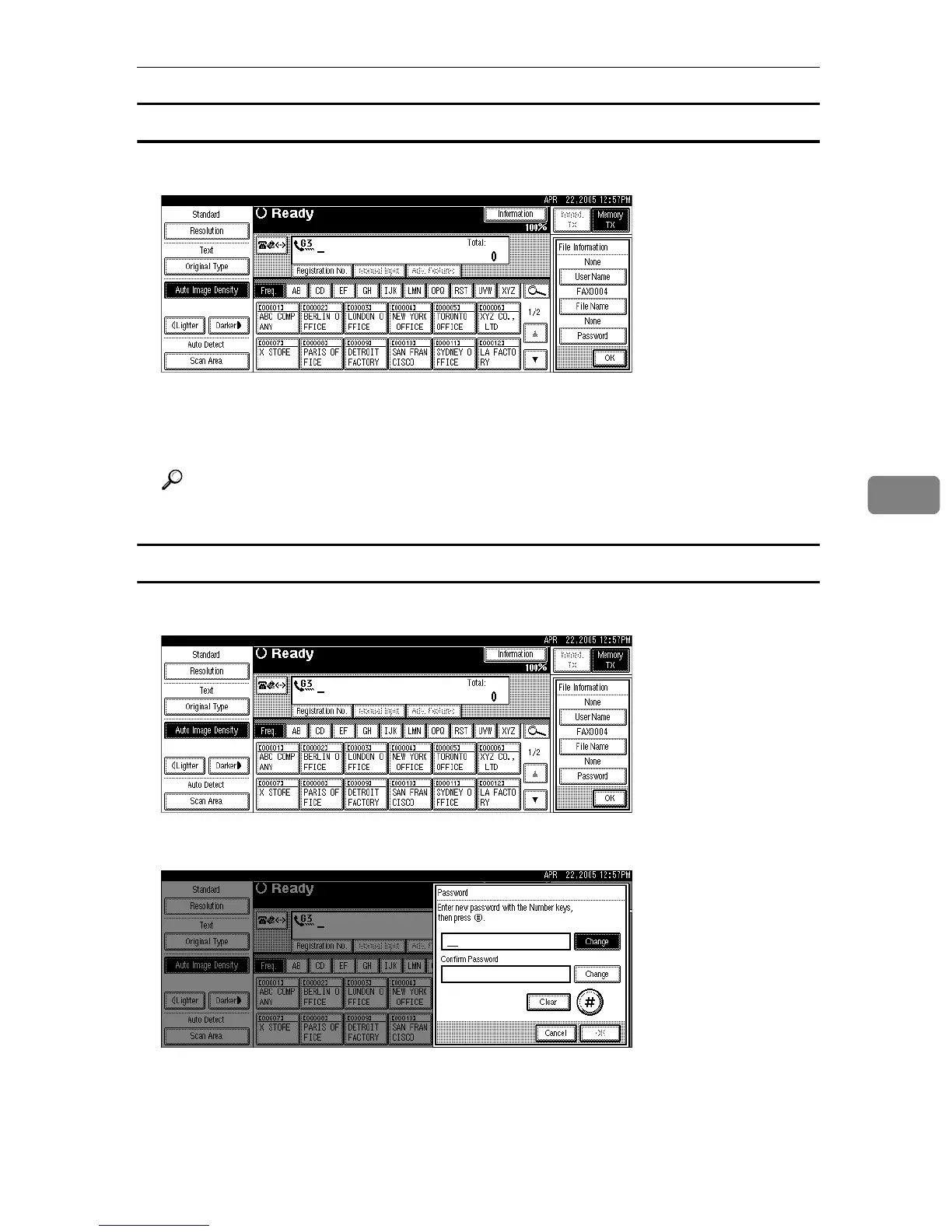
A Press [File Name].
B Enter the file name, and then press [OK].
C Press [OK].
Reference
“Entering Text”, About This Machine
Setting a password
A Press [Password].
B Enter a password using the number keys, and then press [#].
If you make a mistake, press [Clear] or the {Clear/Stop} key before pressing
[#], and then reenter your password.
You can enter up to four to eight digits.
C Enter the password again, and then press [#].











 To Next Page