Sending a Stored File
245
5
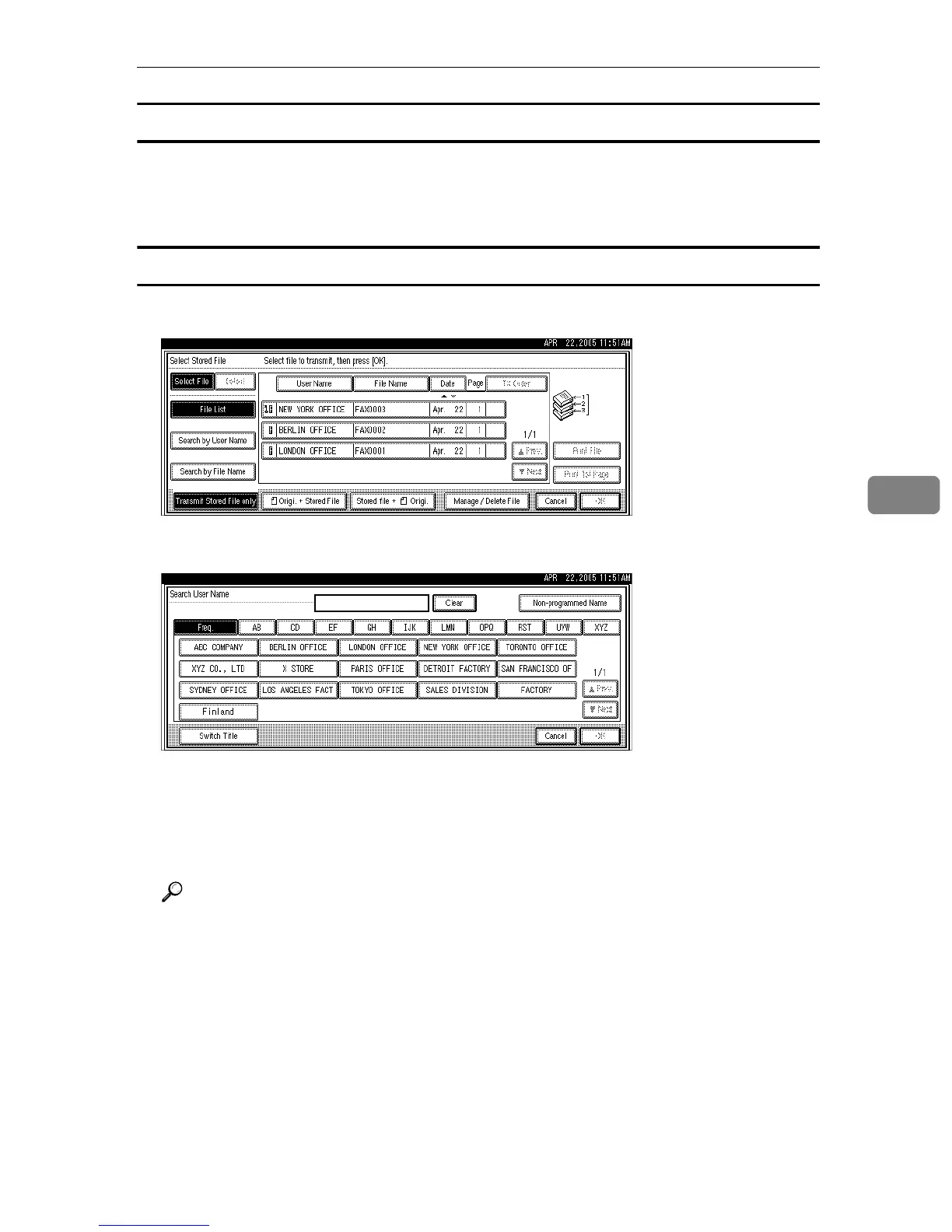
Specifying documents from the File List
A Press [UPrev.] or [TNext] to display the documents to be sent.
B Select the file.
Specifying documents by User Name
A Select [Search by User Name].
B Select the user name of the programmed document, and then press [OK].
To search by directly entering a user name, press [Non-programmed Name], and
then enter the user name. Partial matching is used when searching for a user
name.
C Select the file to be sent.
Reference
“Entering Text”, About This Machine











 To Next Page