Various Scan Settings
128
6
F Press [OK].
The Program screen reappears. When the settings are successfully registered,
m appears on the left side of the registered program number and the pro-
gram name appears on the right side. The initial screen reappears after a mo-
ment.
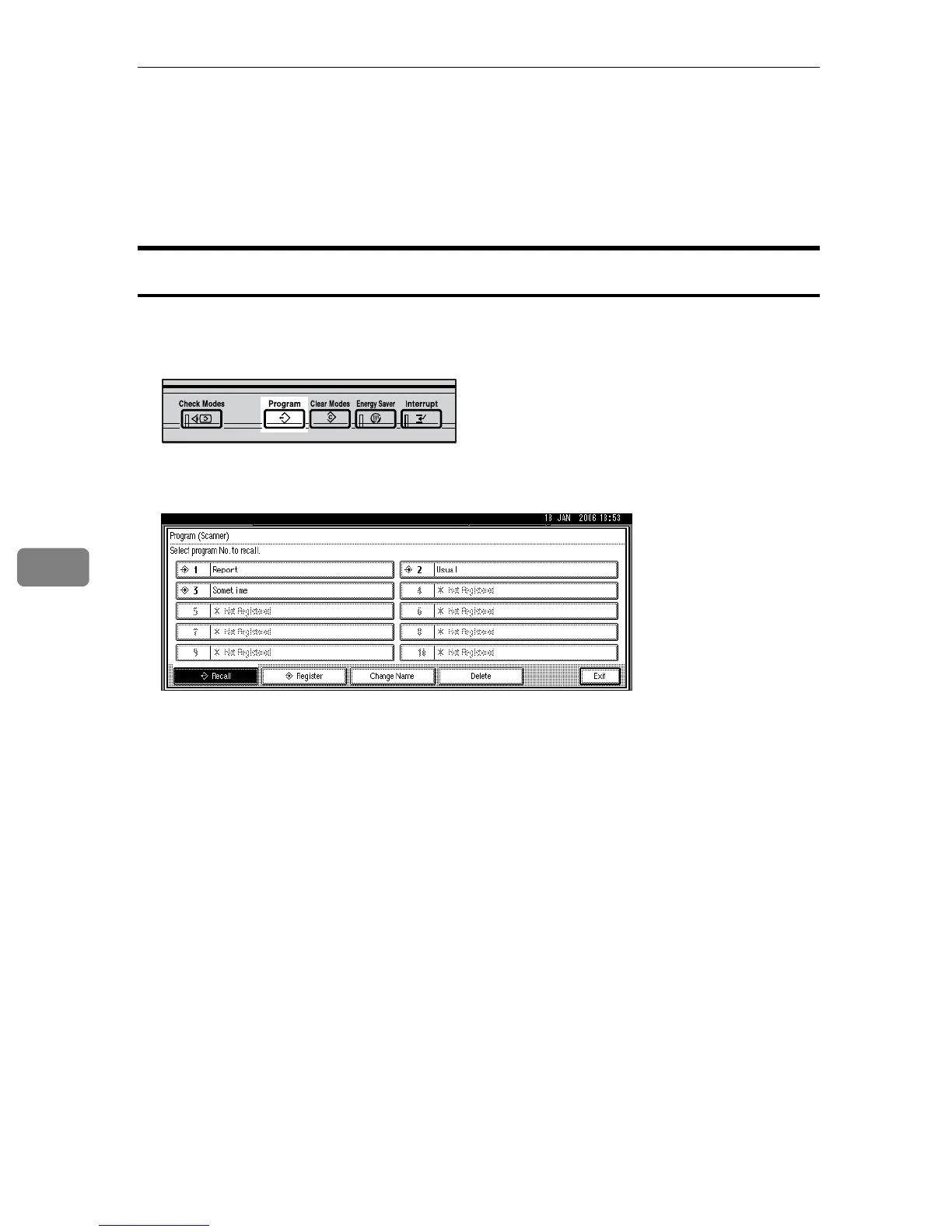
Recalling a Program
To recall settings registered in a program and use them for scanning:
A Press the {Program} key.
B Press [B Recall].
C Press the number of the program you want to recall.
Settings registered in the program are recalled and the initial scanner screen
reappears.
Settings are not registered in numbers that appear without m.
D Place originals, and then press the {Start} key.
ARR003S











 To Next Page