Changing/Confirming Communication Information
212
4
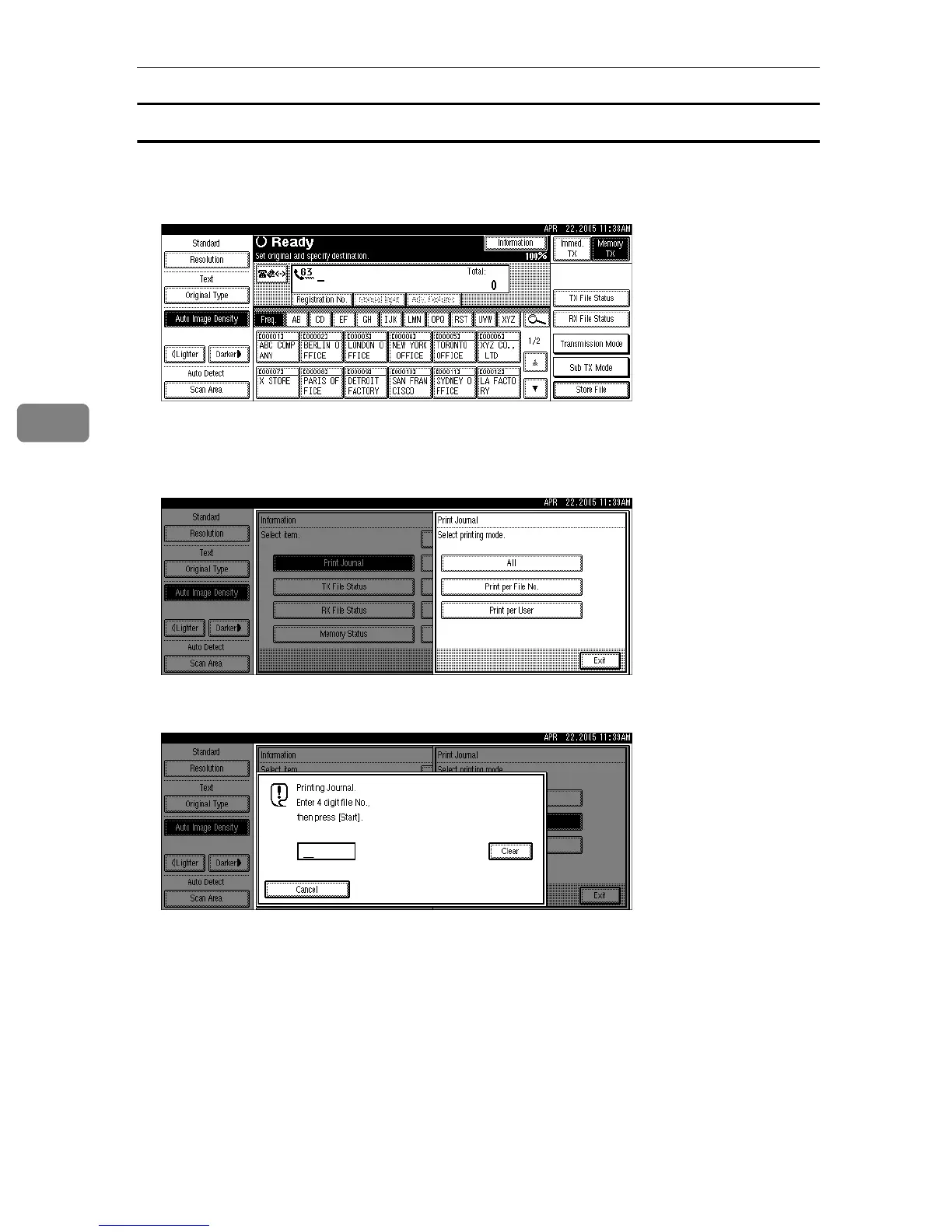
Print per File No.
Prints only the results of communications specified by file number.
A Press [Information].
B Press [Print Journal].
C Select [Print per File No.].
D Enter a 4-digit file number.
If you make a mistake, press [Clear] or the {Clear/Stop} key, and then try again.
E Press the {Start} key.
To cancel a file printing, press [Stop Printing]. The display returns to that of
step
C
.
F Press [Exit] twice.
The standby display appears.











 To Next Page