Storing a Document
250
5
Reference
“Entering Text”, About This Machine
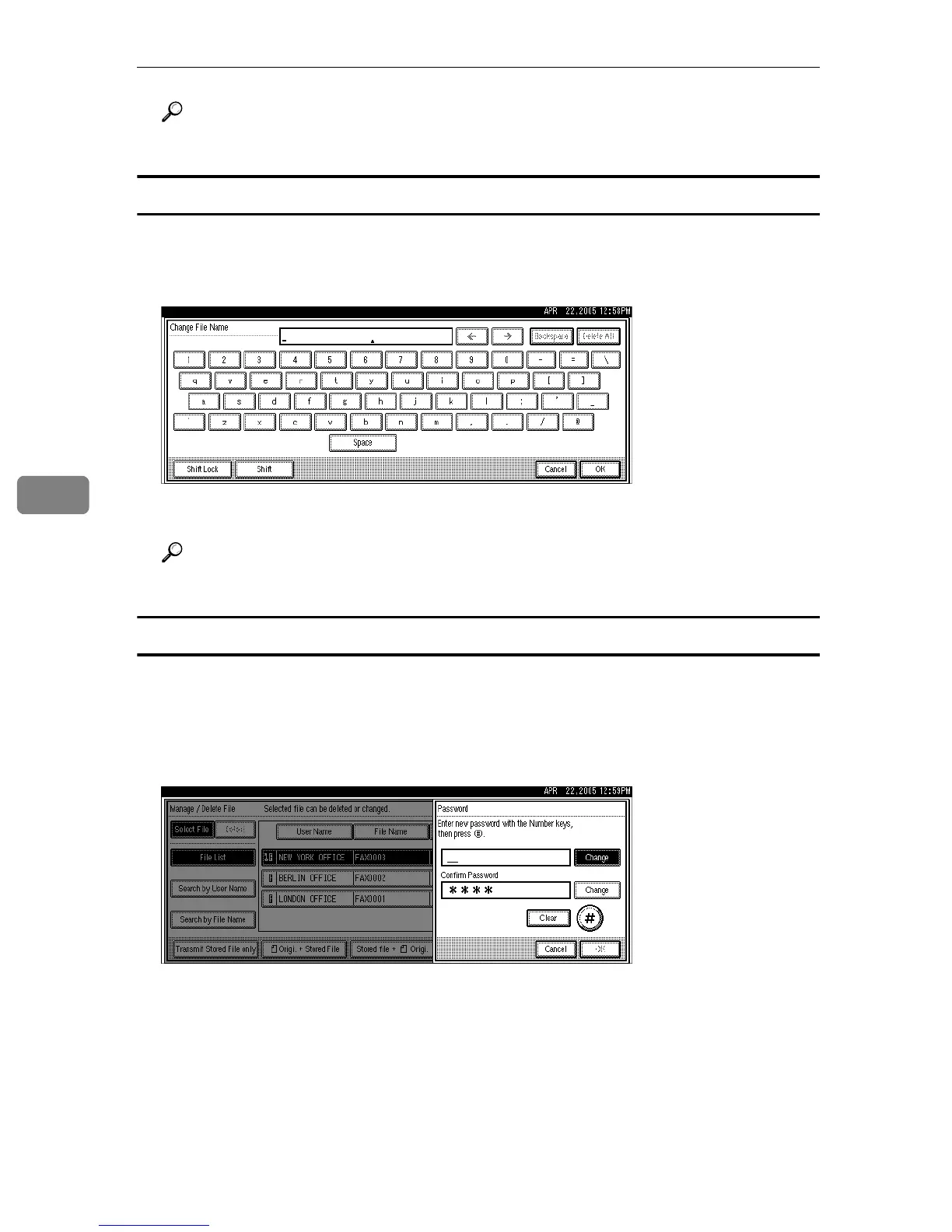
Changing the file name
A Press [Change File Name].
B Press [Backspace] or [Delete All], and then re-enter the file name.
C Press [OK].
Reference
“Entering Text”, About This Machine
Changing the password
A Press [Change Password].
B Press upper [Change].
C Enter a new password using the number keys, and then press [#].
D Press lower [Change].
E Enter the password again, and then press [#].
F Press [OK].
The standby display appears.











 To Next Page