Changing/Confirming Communication Information
208
4
Checking the Reception Result (RX File
Status)
Confirm the reception result on the screen or in a report.
Confirming on Display
Follow these steps to display the reception result.
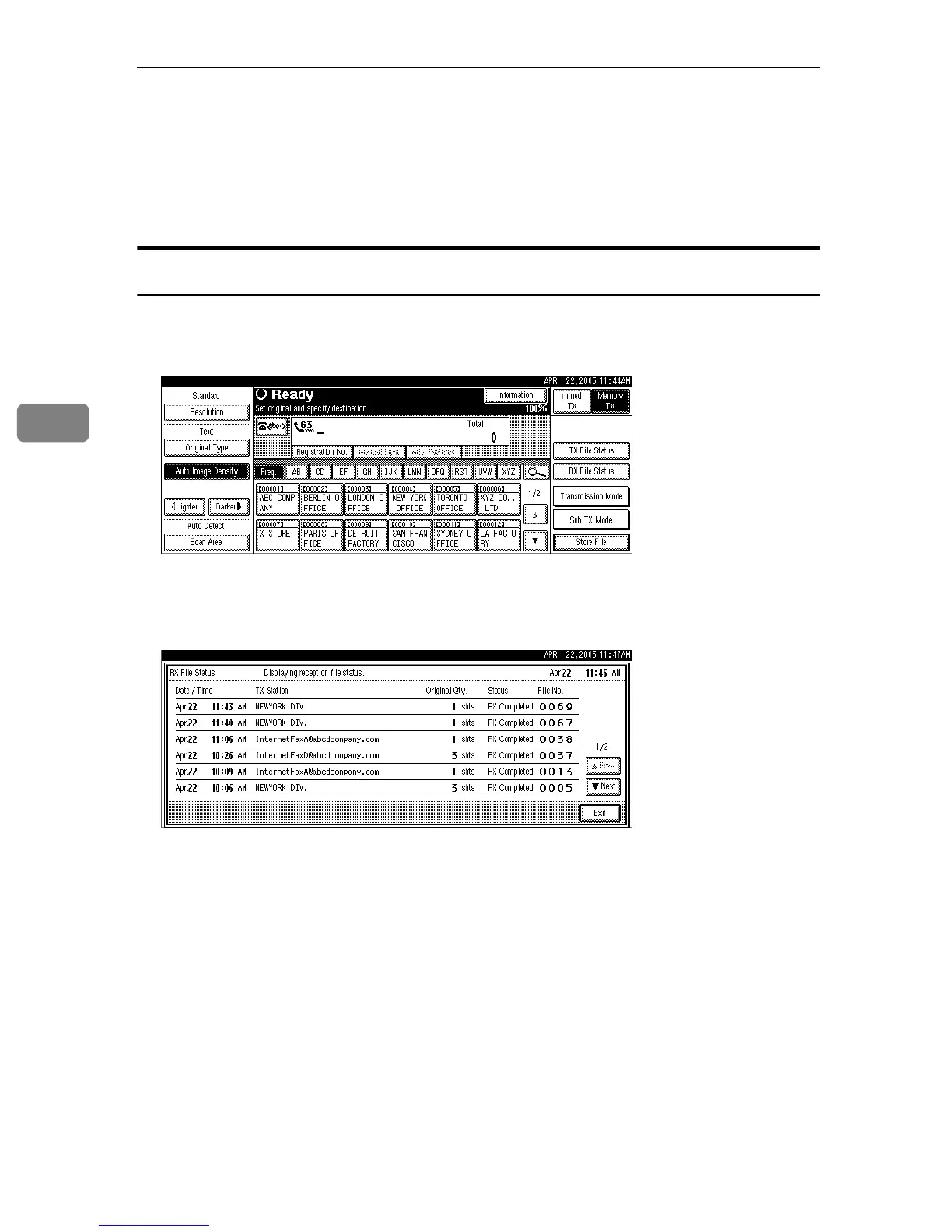
A Press [Information].
B Press [RX File Status].
C Check the reception results.
Reception results are displayed, from the latest result, in groups of six.
When a fax or IP-Fax is received, “TX Station” shows the Own Fax Number
or Fax Header information. When an Internet Fax is received, the sender's e-
mail address appears.
D Press [Exit] twice.
The standby display appears.











 To Next Page