Changing/Confirming Communication Information
192
4
Adding a Destination
You can add a destination for broadcasting.
Important
❒ A destination cannot be added using a destination list.
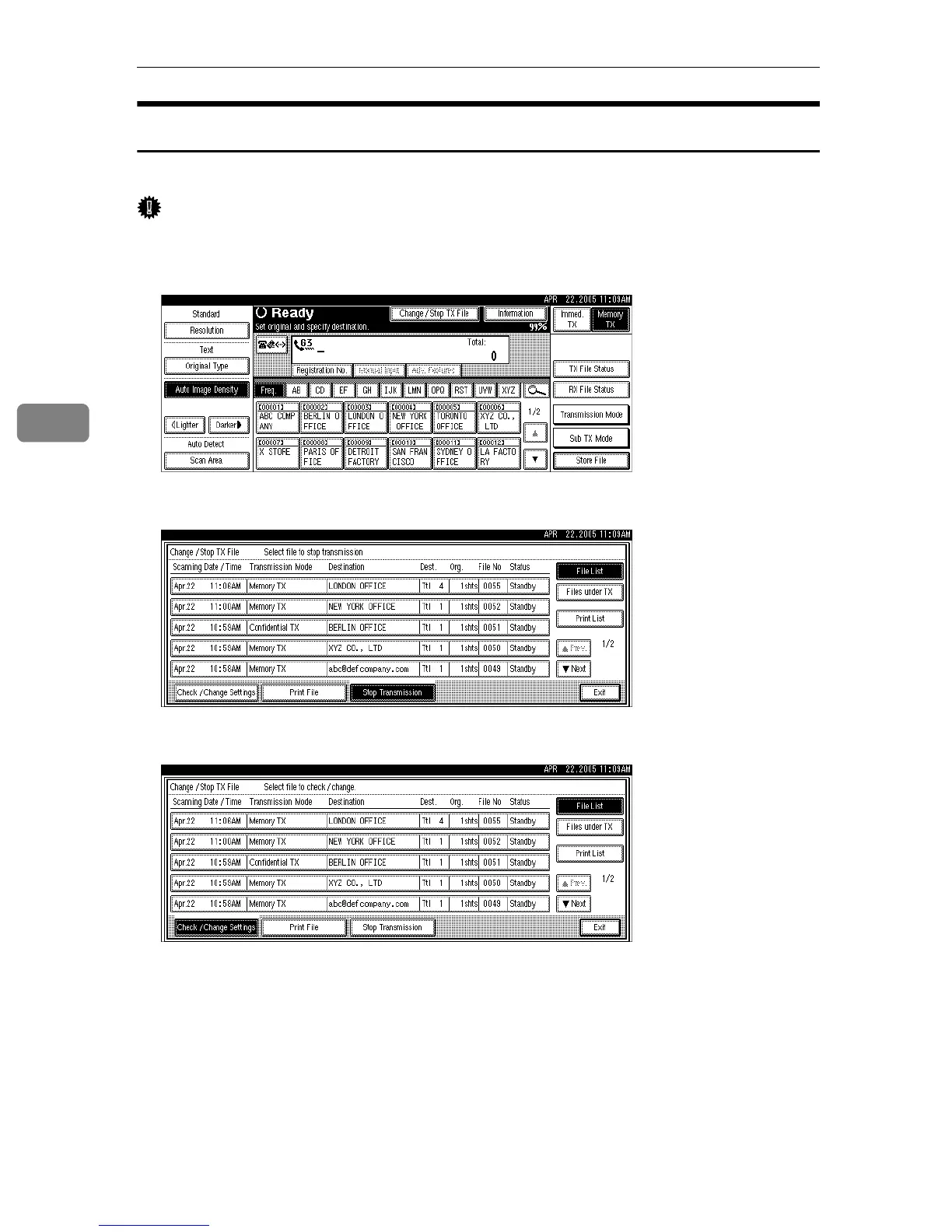
A Press [Change / Stop TX File].
B Press [Check / Change Settings].
C Select the file to which you want to add a destination.











 To Next Page